ARBOTOM
®
- Manual 35
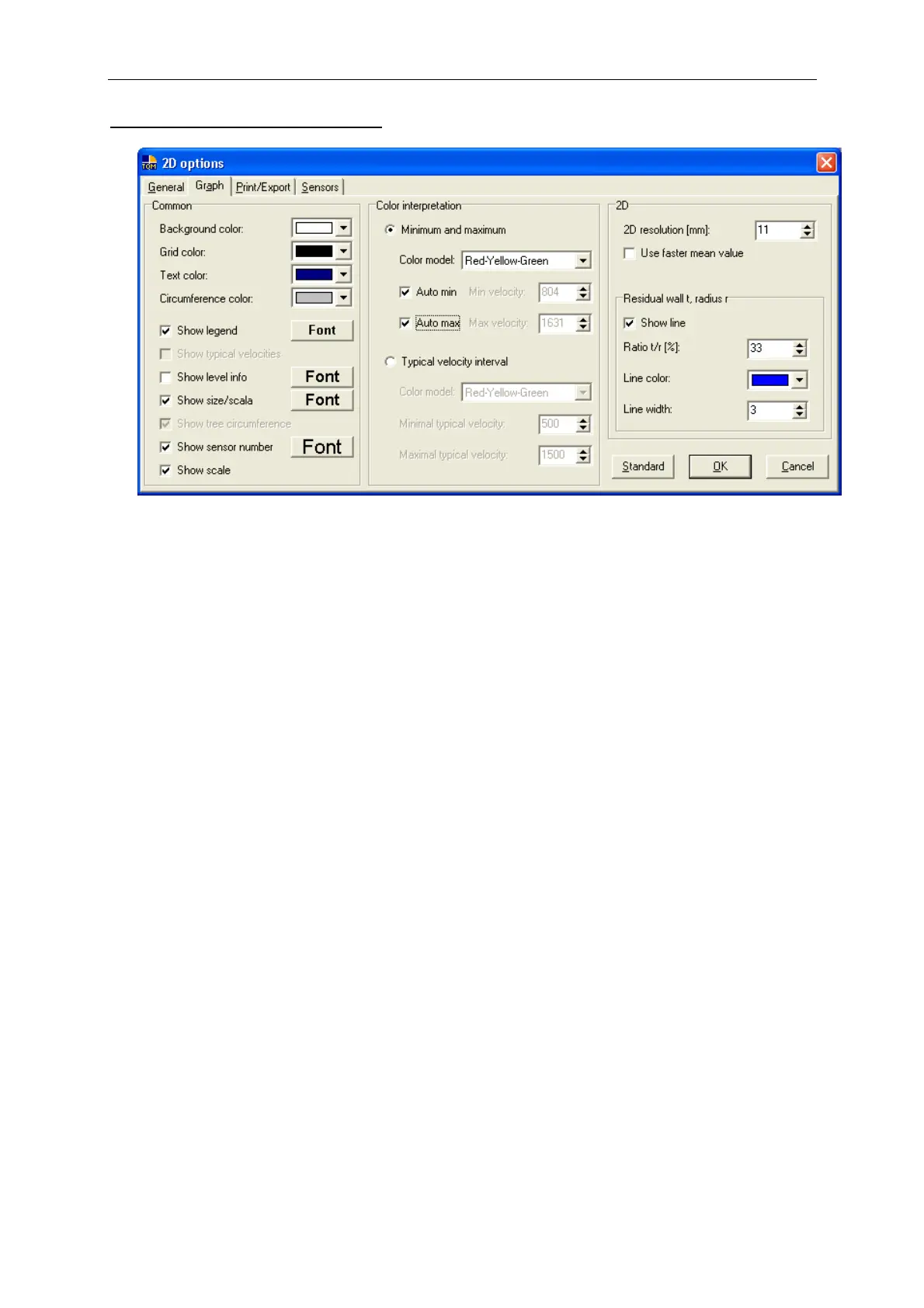
Graph options of the surface graph
Common graph
• Background and grid colors:
Choose the desired colors. For printing we recommend using a white
background.
• Text color: Choose the requested text color.
• Circumference color: Select the color of the trunk or branch circumference
line.
• Show legend: Switches the graph legend on/off.
• Show typical velocities: Shows typical impulse velocities.
• Show level info: Shows the level information (3-D- measurement only).
• Show size: Switches the axes on/off.
• Show tree circumference: Activates the circumference line.
• Sensor labels: Choose one of the offered labels if desired.


 To Next Page