6
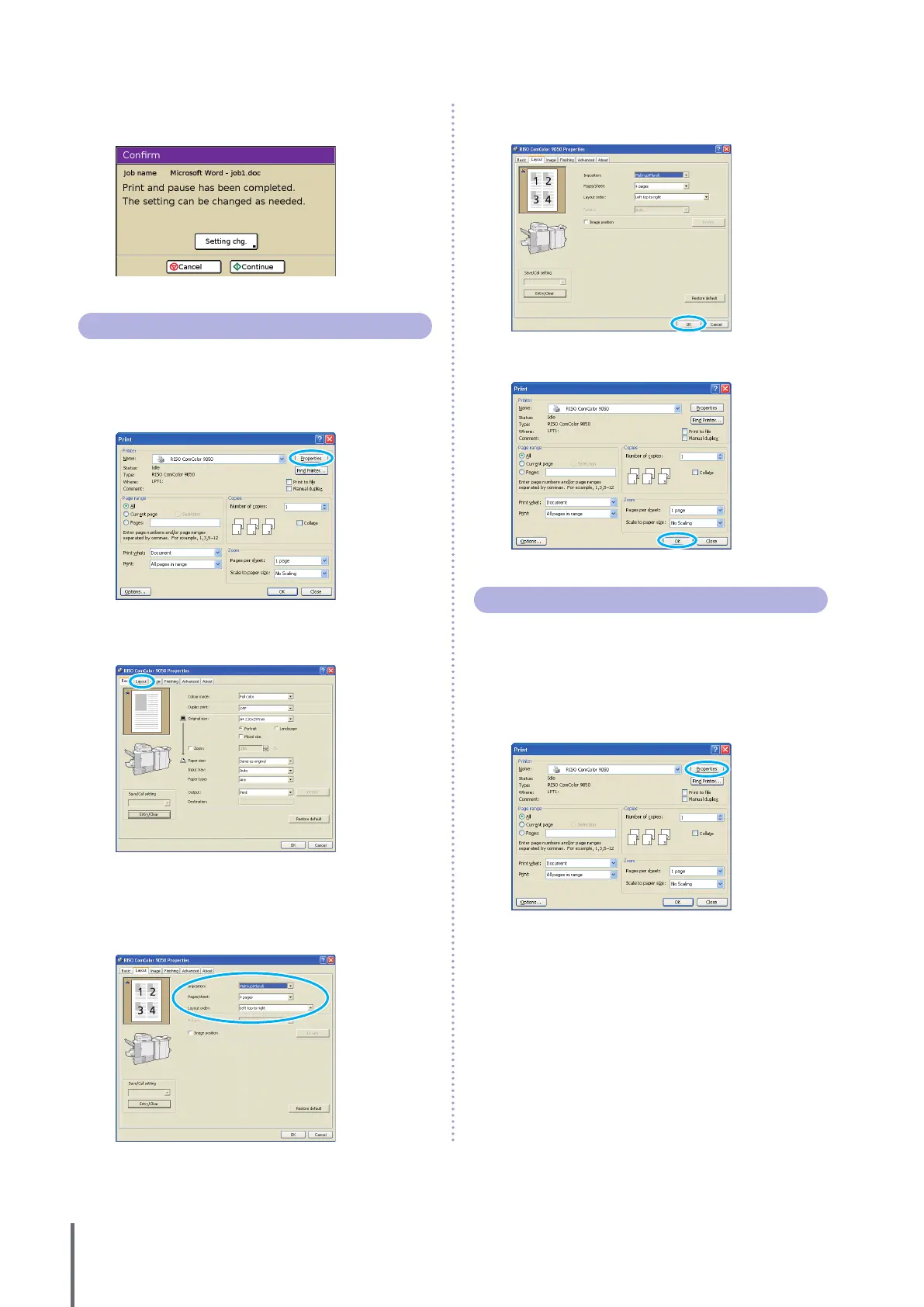
Check how the job was printed. To continue, use the
controls on the touch panel.
Printing Multiple Pages Per Sheet
Multiple pages can be printed on a single sheet.
1
Click [Properties] (or [Preferences]) in the printing
dialog box of the source application.
2
Click the [Layout] tab.
3
Select [Multi-up (Plural)] in the [Imposition] pull-
down menu.
Also complete the settings for [Pages/sheet] and [Layout
order].
4
After input is nished, click [OK].
Complete other settings as needed.
5
In the printing dialog box, click [OK] (or [Print]).
Saving Print Jobs in Job Folders
Print jobs can be saved in job folders on the machine.
Jobs in job folders can be accessed from the operation
panel later and printed as many times as needed.
1
Click [Properties] (or [Preferences]) in the printing
dialog box of the source application.
ComColor Series Basic Guide 02



 To Next Page