75
Using the RISO Console >> RISO Console Screens
6
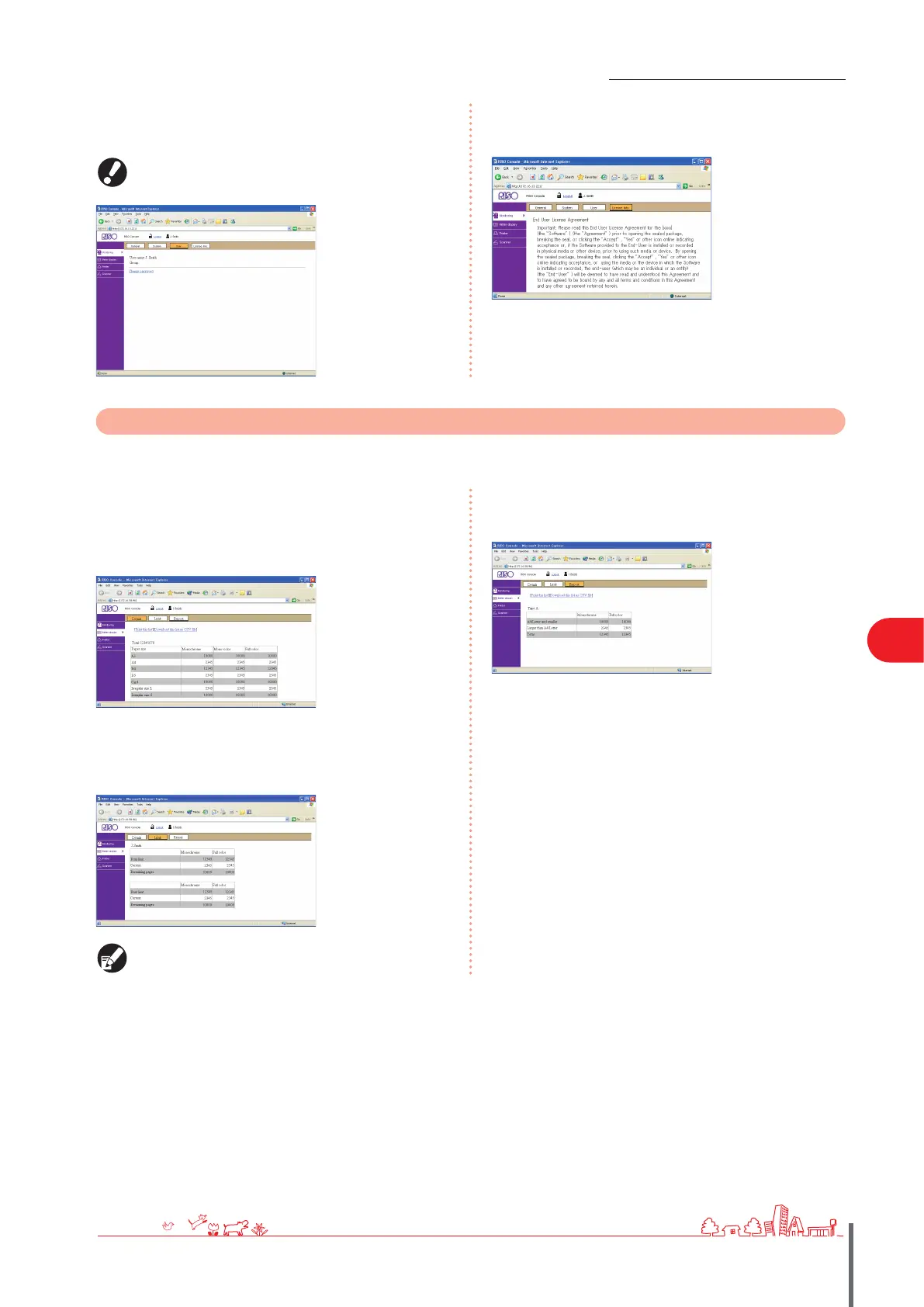
[User]
Indicates information about the user currently logged in.
Also enables you to change the password.
This screen is displayed when a user is logged in.
● [License Info.]
Indicates the license information of the system in the
machine.
●
Meter Display
Indicates the quantity of printouts from the machine.
[Details]
Indicates the quantity of printouts classied by paper size or
color.
This information can be printed or downloaded in CSV
format, if needed.
[Limit]
Indicates the maximum quantity specied for copying or
printing, the current quantity, and the amount remaining.
[Limit] is only displayed when the administrator has
restricted the copying or printing quantity.
●
●
[Report]
This screen is displayed when the model name of the
machine ends in “R.”
●
ComColor Series Basic Guide 02 ComColor Series Basic Guide 02



 To Next Page