Storage and Scan Modes (Option)
Retrieving Stored Data and Printing [Storage Memory]
205
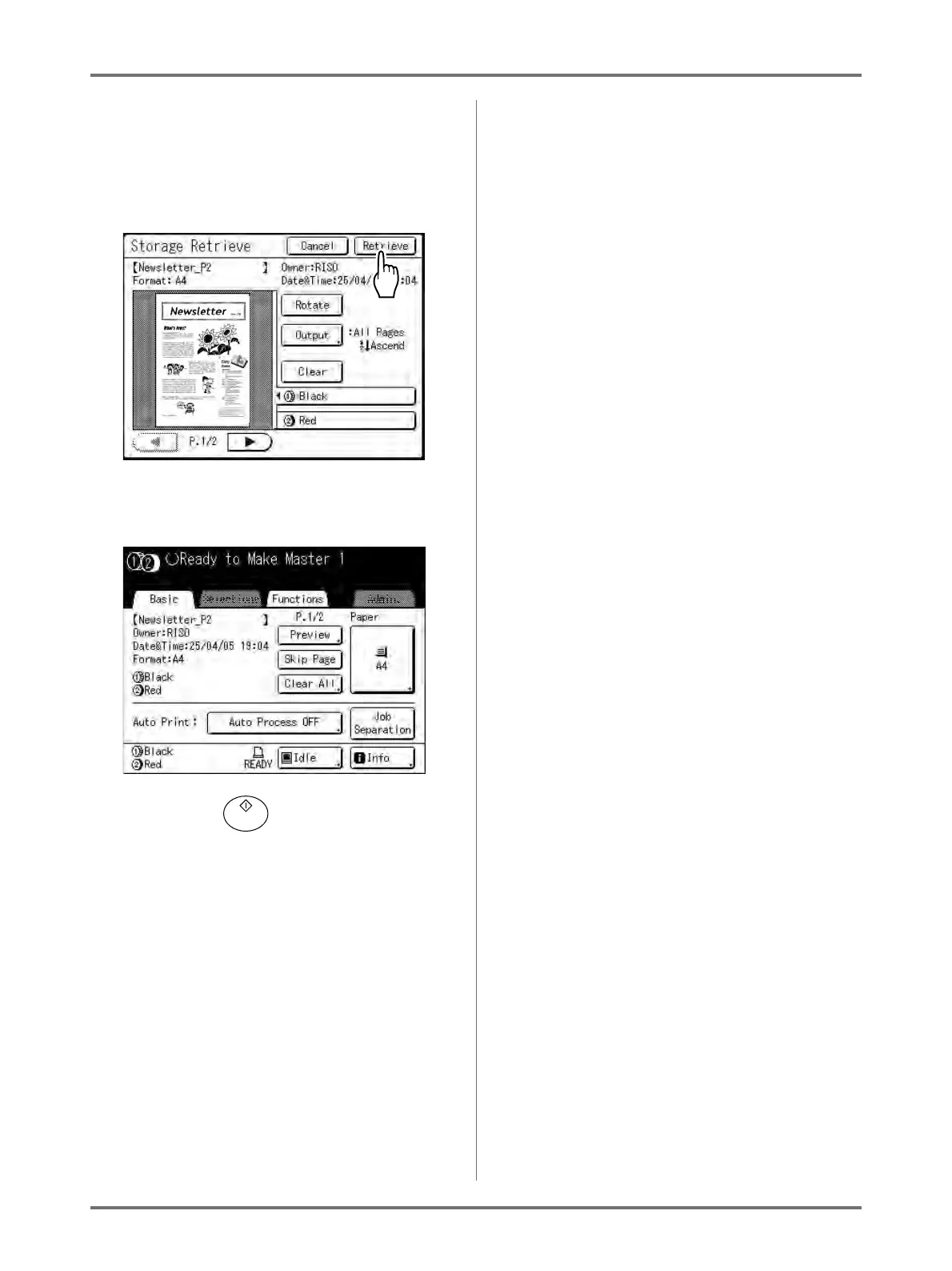
From the Storage Retrieve, you can confirm
retrieved data and specify output settings.
See )p.206 for operational details.
5
Touch [Retrieve].
The storage data is retrieved and Storage Mode
Basic Screen appears.
6
Press the key.
A master is made from the data.
After this, please follow the same operations for
normally making a master/printing for 1-Colour
and 2-Colour modes.



 To Next Page