Print Functions for Using Linked Printers
222
When using a Linked Printer
(sold separately)
Print Functions for Using Linked Printers
The machine may be connected with Linked Printers for more economical printing operations.
Important!:
• The optional RISORINC-NET is required in order to connect the machine and Linked Printers.
2 special printing functions Auto-Link Function and Link Mode are available;
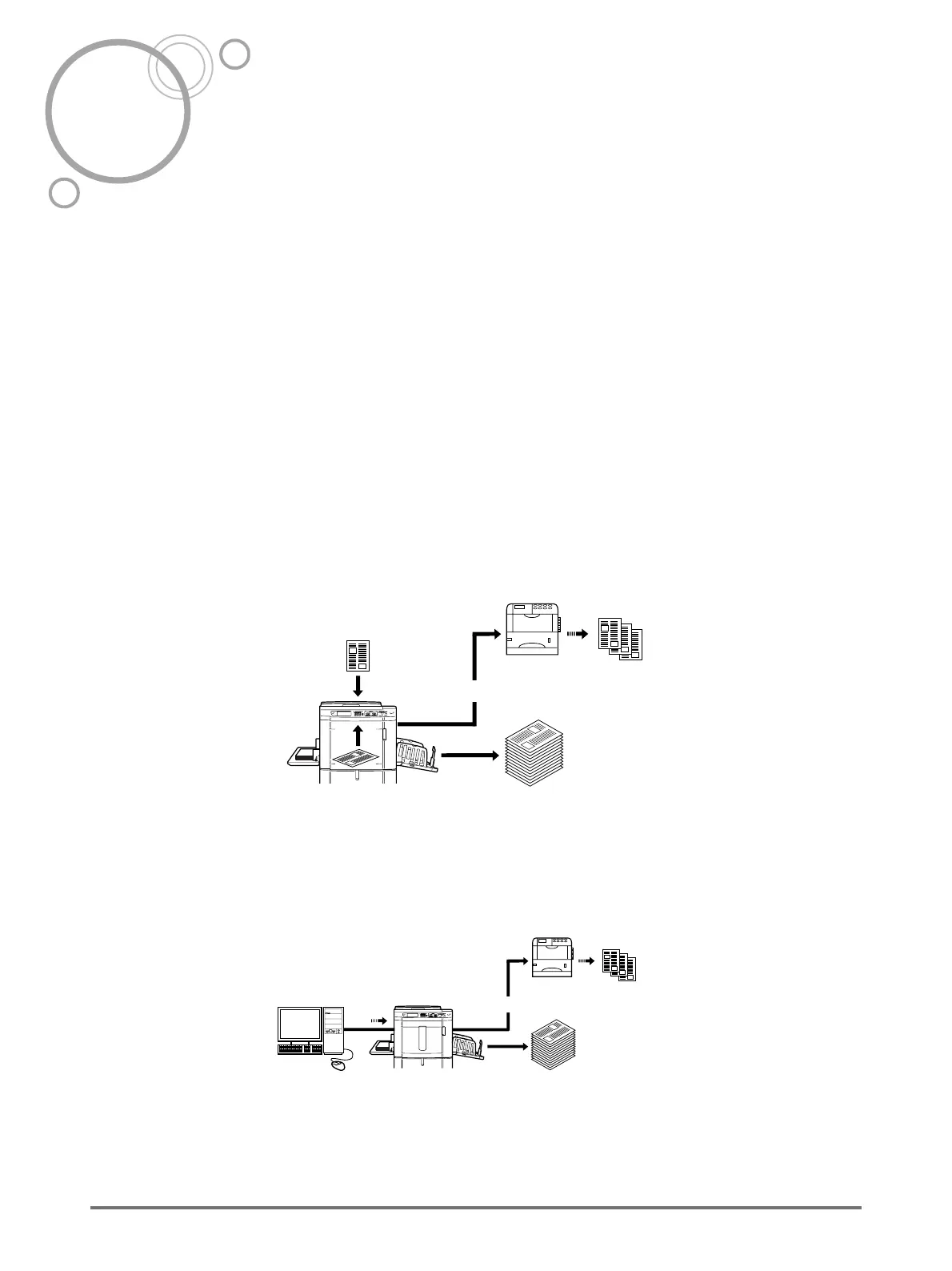
Auto-Link Function
Automatically select an output device, the machine or a Linked Printer, based on a pre-determined number of cop-
ies (Link-Free Volume).
)p.178
“Auto Link” can only be used for 1-Colour printing. It cannot be used for 2-Colour printing.
In order to create and use storage data, the printer must be equipped with storage memory.
)p.194
Automatically select an output device based on number of copies when printing from a computer.
(When “Online Auto-Link” is enabled)
)p.178
Original
Linked Printer
Printed Pape
Storage
Memory
Low volume printing
High volume
printing
Linked Printer
Printed Paper
Low volume printing
High volume
printing



 To Next Page