Troubleshooting
When a Message Displays
265
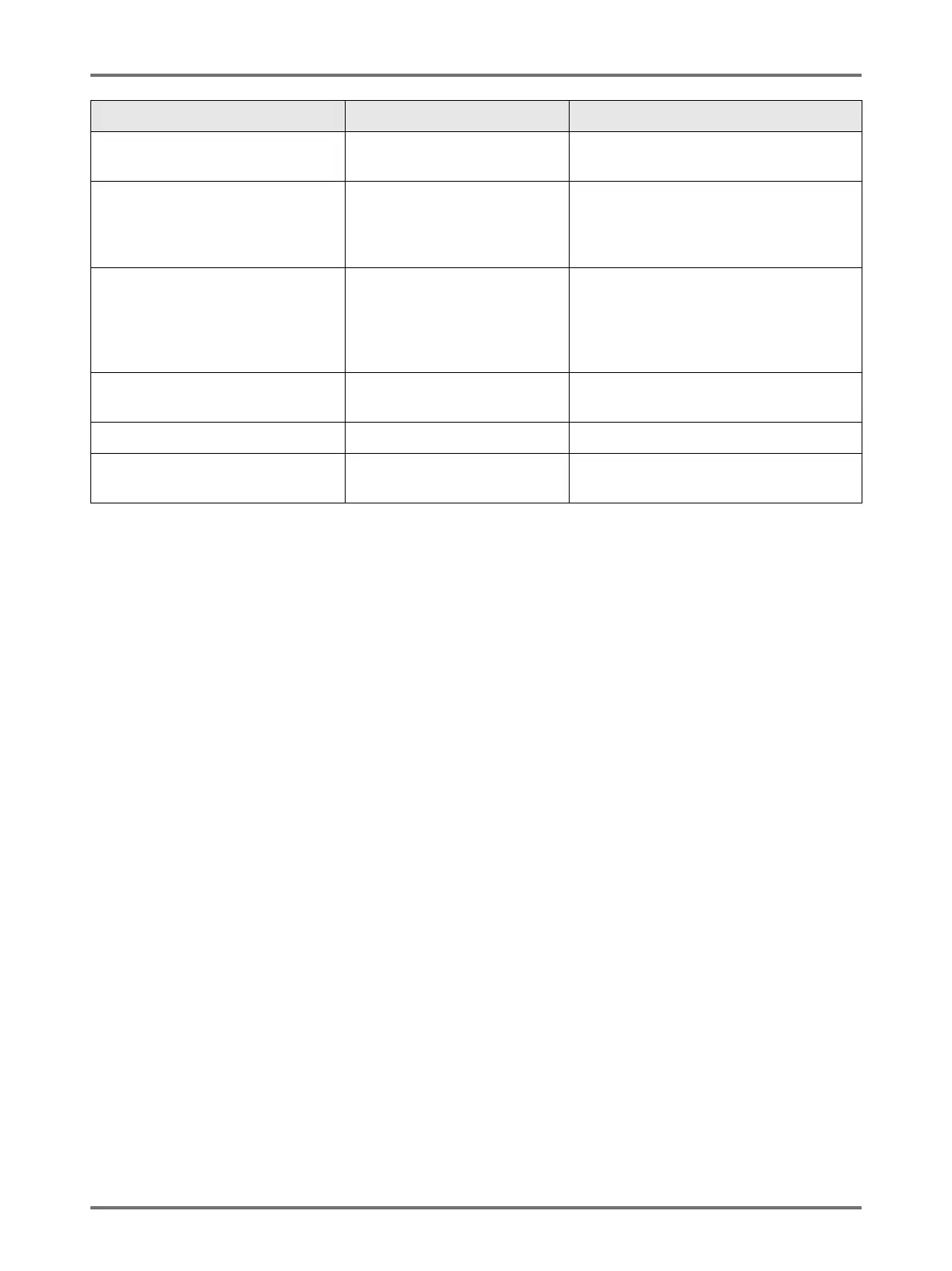
Linked Printer in Error A Service Call Error has
occurred on the Linked Printer.
Check the Linked Printer and resolve the
error.
No IP Address Assigned to This
Printer
Contact Your Network
Administrator
IP address for the machine is
not properly set.
Contact your system administrator and set
the machine IP address correctly.
)p.175
!! No Linked Printer Detected !!
Check Cable Connection and
Power
Supply for Linked Printer
Linked Printer may not be
turned ON; cable may not be
properly connected; connection
may be interrupted.
Check that the Linked Printer has been
switched on.
Check to make sure all cables are
properly connected. If properly connected,
check for damaged cable.
No Paper Tape in Job Separator
Replace Tape Roll
No tape in the Job Separator
(option).
Load new tape into the Job Separator.
No Toner in Linked Printer No toner in the Linked Printer. Replace toner in the Linked Printer.
Paper Tape Jam in Job Separator
Remove Paper Tape
Tape jam occurred in the Job
Separator (option).
Check the Job Separator and remove
jammed tape.
Message Possible Cause Action



 To Next Page