Basic Operations
2-Colour Printing with 1 Original [Easy 2Colour]
54
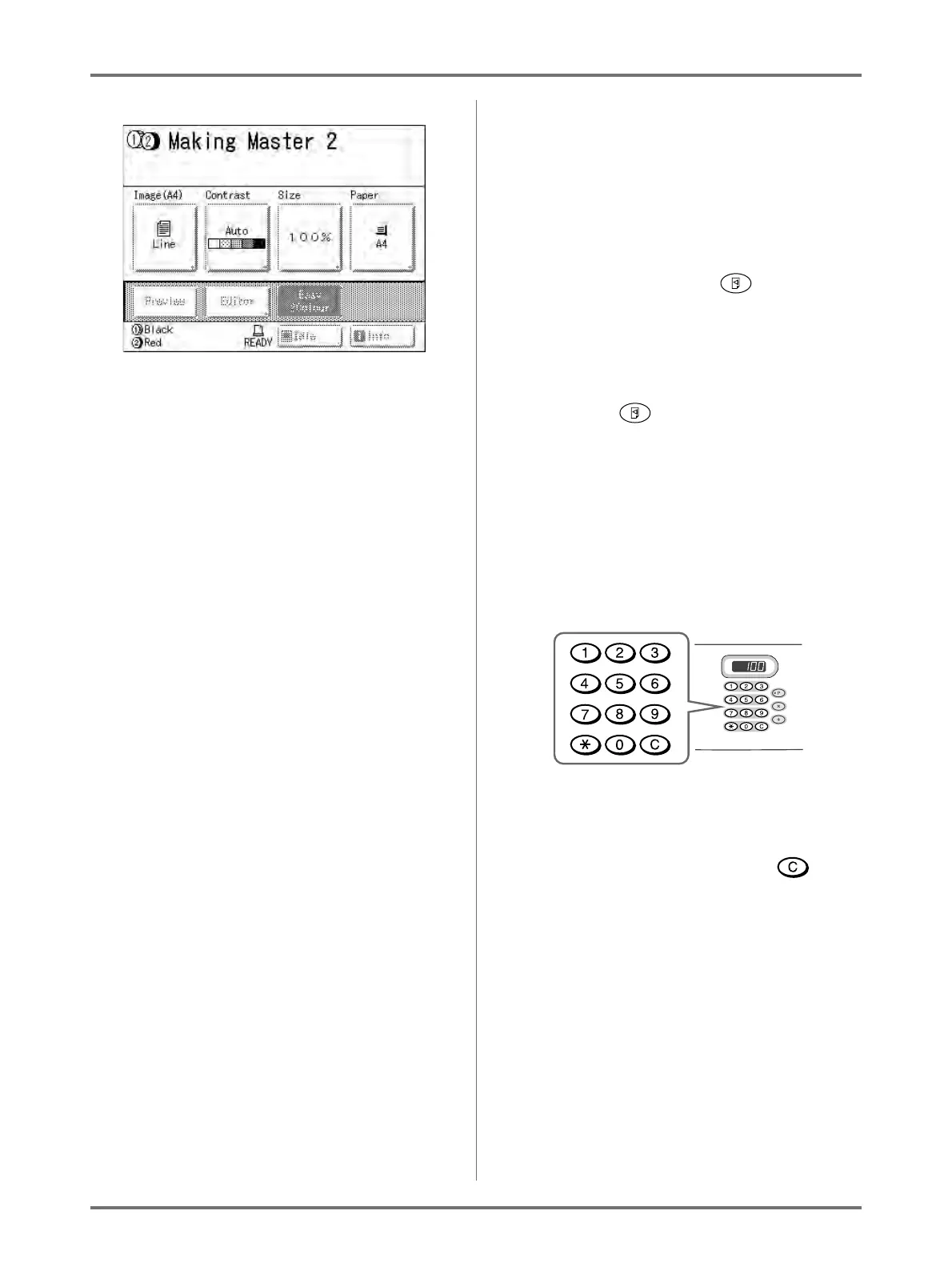
Once the master is made on Drum 2, a single 2-
colour proof copy will print from Drum 2.
When a proof copy copy is printed, the Print Basic
Screen appears.
Tip:
Auto Idling
Wait for a moment if “Idling” is displayed. Once
idling has stopped, making of the master begins.
Factory default is set to idle automatically at the
beginning of the master-making when the
machine is inactive for over 12 hours.
)p.160
9
Check the proof copy result.
When a proof copy is printed, the Print Basic
Screen will be displayed automatically.
Check the proof copy; e.g., print position and den-
sity.
If necessary, change print position and density.
• Print Position ()p.115)
• Print Density ()p.114)
After adjustment, press the key to print a
proof copy.
Important!:
• When the machine has not been used for a long
period of time, the print quality may suffer due
to dry ink on the Print Drum.
Press the key to print proof copies sev-
eral times.
Note:
• You can also adjust the print position, the den-
sity, and the speed while print process is in
progress.
10
Enter the number of copies using
the Print Quantity Keys.
The specified number is displayed on the Print
Quantity Display.
Note:
• To change the number, press the key,
then re-enter the correct number.



 To Next Page