EasyManua.ls Logo

RITE-HITE FASTRAX - User Manual

RITE-HITE FASTRAX
44 pages
Print Icon
To Next Page IconTo Next Page
Loading...
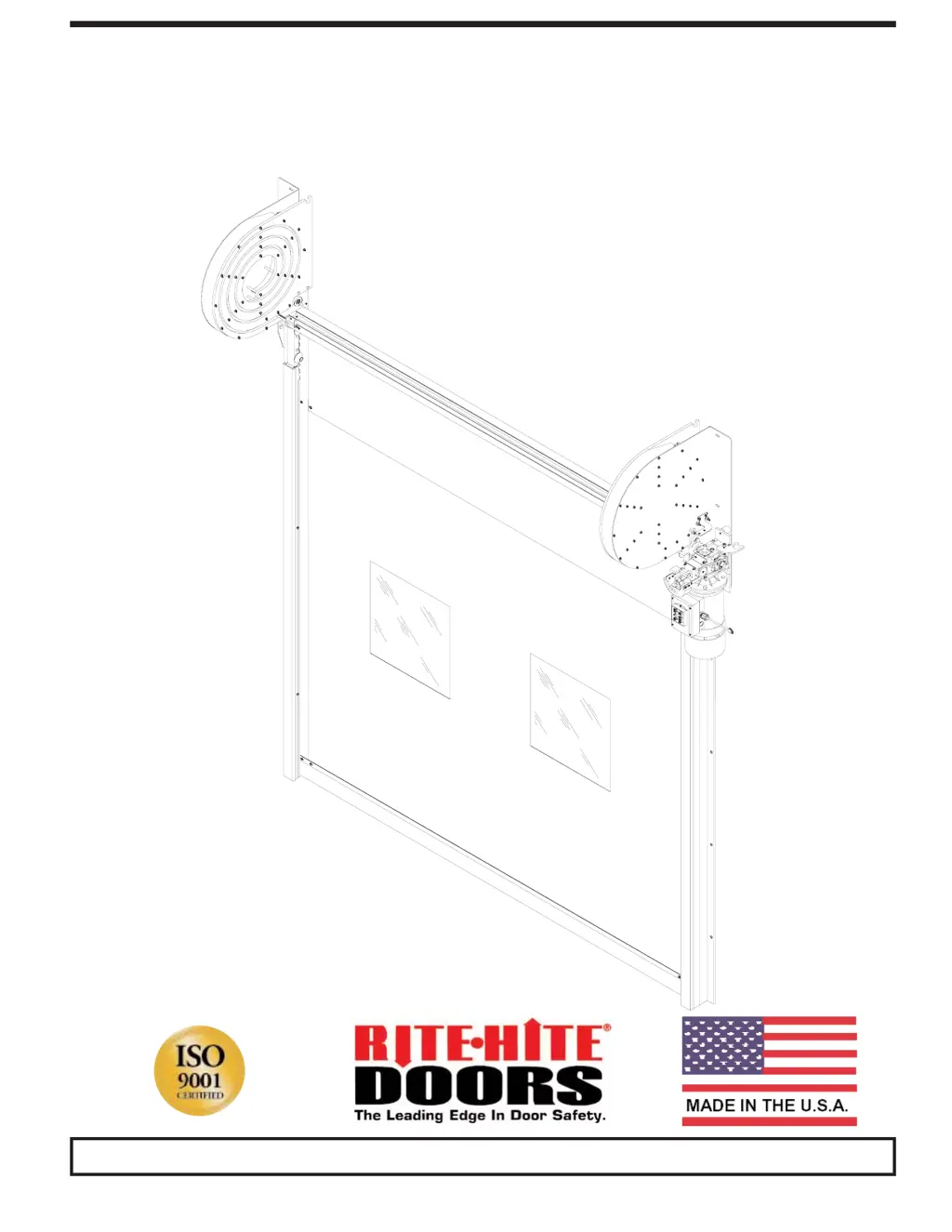
FASTRAX
TM
HIGH PERFORMANCE MODULAR DOOR
PRINTED IN U.S.A. Publication No. FasTraxC
email: printshop@RITEHITE.com FEBRUARY 2008
This Manual Covers All Doors Shipped to Date.

Questions and Answers

  • M
    Matthew KingAug 15, 2025
    What to do if the OPEN button makes the RITE-HITE FASTRAX door close?
    • R
      reneeschmidtAug 15, 2025
      If the OPEN button is pressed and the RITE-HITE Measuring Instruments door closes, the phasing is likely reversed. To resolve this, switch the wires in terminals V and W.
  • J
    Joseph GibsonAug 18, 2025
    Why won't the photoeyes reverse or hold open the RITE-HITE FASTRAX door?
    • T
      Timothy JacksonAug 19, 2025
      If the RITE-HITE Measuring Instruments photoeyes will not reverse or hold the door open, check that the lower track retention edging is not interfering with the photoeye path. Also, ensure the lens of the photoeye is free of any debris like dust, snow, or ice.
  • J
    Jill TaylorAug 21, 2025
    What to do if there are issues with the RITE-HITE Measuring Instruments non-powered opening chain hoist?
    • J
      Jeffrey MartinAug 22, 2025
      If issues arise with the non-powered opening chain hoist of your RITE-HITE Measuring Instruments, remember that during a power outage, you should release the brake and pull the chain on the hoist to open the door. If the chain hoist chain is pulled while the door is powered, the door will enter fault mode, indicated by a green light flashing. Reset the door by pressing the green flashing button.
  • T
    tracynicholsonAug 26, 2025
    How to meet voltage change requirements for RITE-HITE FASTRAX Measuring Instruments?
    • C
      Christina PearsonAug 26, 2025
      To meet voltage change requirements for RITE-HITE Measuring Instruments, change the transformer taps, fuses, or overload settings according to the electrical diagram. Also, alter the motor wiring as per the junction box diagram. If the door is powered by an Inverter, consider replacing the inverter.
  • J
    jhallAug 28, 2025
    Why is the RITE-HITE FASTRAX Measuring Instruments curtain blowing out?
    • J
      Jamie GrantAug 28, 2025
      If the curtain of your RITE-HITE Measuring Instruments is blowing out due to high wind or negative pressures, ensure the tracks are mounted correctly: O.D.W. + 1/2” for FasTrax and O.D.W. + 9 1/2” for FR doors. Check that the curtain has all drive spheres in place. Exterior doors should have a garnet bag in the bottom loop for protection, and stiffer track edging is standard.
  • E
    ericshannonAug 31, 2025
    How to stop the RITE-HITE FASTRAX Measuring Instruments limit switch chain from jumping teeth?
    • C
      Caitlin SimpsonAug 31, 2025
      If the RITE-HITE Measuring Instruments limit switch chain jumps teeth, ensure it is lubricated.
  • J
    Jennifer JonesSep 4, 2025
    Why are the RITE-HITE Measuring Instruments drive spheres making excessive clicking noise?
    • W
      wdoughertySep 4, 2025
      If the drive spheres of your RITE-HITE Measuring Instruments are making excessive clicking noises, make sure the tube drive gears are centered over the track grooves.
  • B
    Brian MartinSep 7, 2025
    What to do if the RITE-HITE FASTRAX curtain is making contact with the wall?
    • S
      smithkatelynSep 7, 2025
      If the curtain of your RITE-HITE Measuring Instruments is making contact with the wall when closing, verify the lower tracks are not too close together.
  • V
    Vanessa JonesSep 12, 2025
    Why is the RITE-HITE FASTRAX curtain baggy or struggling to move?
    • K
      kristin71Sep 12, 2025
      If the curtain of your RITE-HITE Measuring Instruments struggles to raise or lower, or appears baggy across the opening, verify the tracks are the proper distance apart: FasTrax = O.D.W. + 1/2” or FasTrax FR = O.D.W. + 9”.

Summary

Product Introduction

Warranty

Details the warranty coverage, terms, and limitations for the product.

Poly Lumber Installation

Lower Track Installation

Thermal Air Seal; Drive Tube Installation

Thermal Air Seal Install (FR Only)

Instructions for installing the thermal air seal specifically for FR doors.

Drive Tube Installation

Detailed steps for installing the drive tube assembly onto the motor.

Motor; Limit Switch Installation

Motor Installation

Step-by-step guide for installing the motor assembly onto the drive tube.

Limit Switch Installation

Instructions for installing the limit switch assembly and setting its position.

Vertical; 45° Tilt Upper Track Installation

Standard; High Upper Track Installation

Standard or High Lift Upper Track

Details on installing upper tracks for standard or high lift door configurations.

Electrical Installation

Inverter Error Codes

Curtain Installation

Photoeyes Cables; Installation

Guide for wiring and installing photoeye sensors and related components.

Thermal Air System

Thermal Air Seal Blower Install

Steps for installing the blower for the thermal air seal system.

Electrical Cable Installation

Brake Adjustment

Adjusting Air Gap

Procedure for adjusting the air gap on the brake mechanism for proper function.

Brake Torque Adjustment

Instructions for adjusting the brake torque setting, with factory presets noted.

Virtual Vision

Virtual Vision Installation

Guide for installing the Virtual Vision system components and sensors.

Operating Procedure; Final Checklist

Test All Safety Features

Procedures to test all safety features of the door system.

Maintenance Procedures

Troubleshooting

Inverter

Troubleshooting for inverter parameters, settings, and potential issues.

RITE-HITE FASTRAX Specifications

General IconGeneral
BrandRITE-HITE
ModelFASTRAX
CategoryMeasuring Instruments
LanguageEnglish

Related product manuals