201.028 REV 1 Date of Issue: 18 June 2018
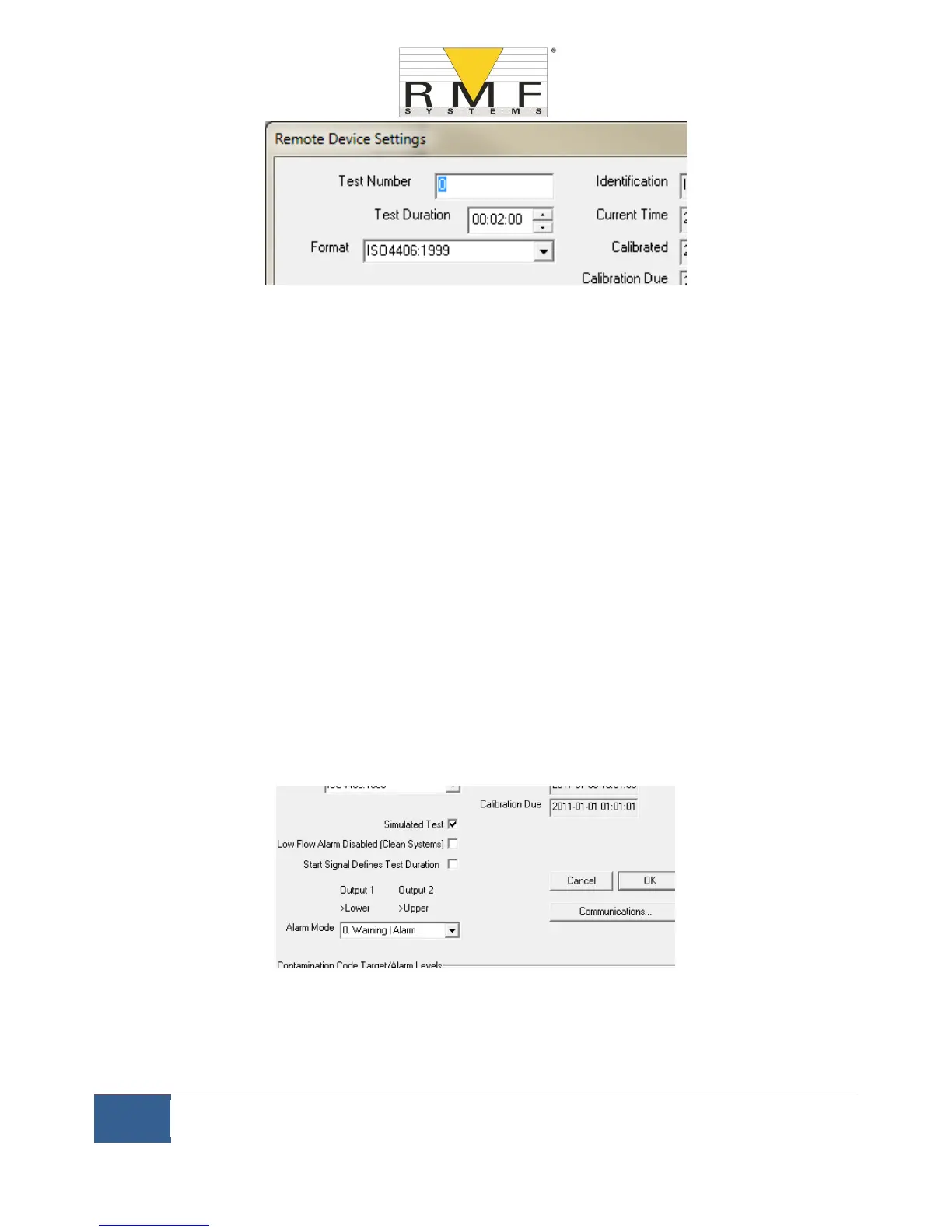
Figure 6.21
NOTE: if the CMS is power cycled at any point then the test numbering sequence automatically resets and begins
again.
6.3.3.3 Test Duration
The length of the test is controlled by the Test Duration, see figure 6.21 for location.
The factory set value of 2 minutes is suitable for most applications, but the user is free to set a different value.
Shorter times will make the CMS more responsive to short-term fluctuations in contamination level. It will also
result in less consistent results for the large particle sizes and clean systems, due to statistical fluctuations in the
number of particles counted.
Longer tests will allow more "stable” results in very clean systems and for the larger particle sizes, since there will
be a larger total number of particles counted during the test. This means that any fluctuations have less of an
effect on the test result.
6.3.3.4 Result Display
Use the selector to choose the preferred display Format (ISO, NAS etc.). This selection is not just cosmetic since it
also determines how the cleanliness alarm targets are to be interpreted, if these are used. See figure 6.21 for the
location, it is defined as the format.
6.3.3.5 Simulated Test
This setting can be used when there is no flow available but communications need to be tested. This is the box
ticked in figure 6.22
Figure 6.22
6.3.3.6 Low Flow Alarm Disabled (Clean Systems)
− It is worth reinforcing that the primary function of the product is to produce a measurement of
cleanliness, and not act as a flow meter. If the unit produces a contamination measurement, then the
flow rate is sufficient enough for it to do so.



 To Next Page