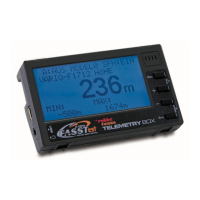
Telemetry-Box 2.4 GHz FASSTest
®
18
17. USB DRIVER INSTALLATION FOR THE TELEMETRY-BOX
1. Start the file "CP210x_VCP_Win_XP_S2K3_Vista_7.exe". The following display
appears.Clickon"NEXT".
2.Select"Iacceptthetermsofthelicenseagreement"andclickon"NEXT".
3.Clickon"NEXT".
Note:
Note: The USB driver must be installed for the purpose of carrying out a software or speech update. The USB driver, and the "Robbe_Telemetry_Downloader" update
program, can be found on the robbe website at: http://www.robbe.de/telemetry-box-2-4-ghz-fasstestr.html
4.Clickon"INSTALL".


 To Next Page