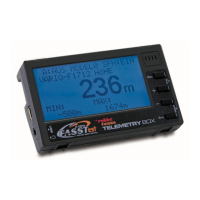
Telemetry-Box 2.4 GHz FASSTest
®
20
1. Connect the Telemetry-Box to the PC using the USB lead, and switch it on.
2. Start the file "Robbe_Telemetry_Downloader_V1.1". The following display appears.
3. Select "Port Select-Telemetry-Box" under "Config" in order to define the port on the PC to
which the Telemetry-Box is connected.
4. Now you can determine under "Tools" whether a software update for the firmware (Firmware
Download) or speech output (Sound Data Download) of the Telemetry-Box is to be carried
out.
18. ROBBE TELEMETRY-BOX UPDATE
5. The various displays appear as follows:
Firmware update display
( frm file)
Speech output update display
( snd file)


 To Next Page