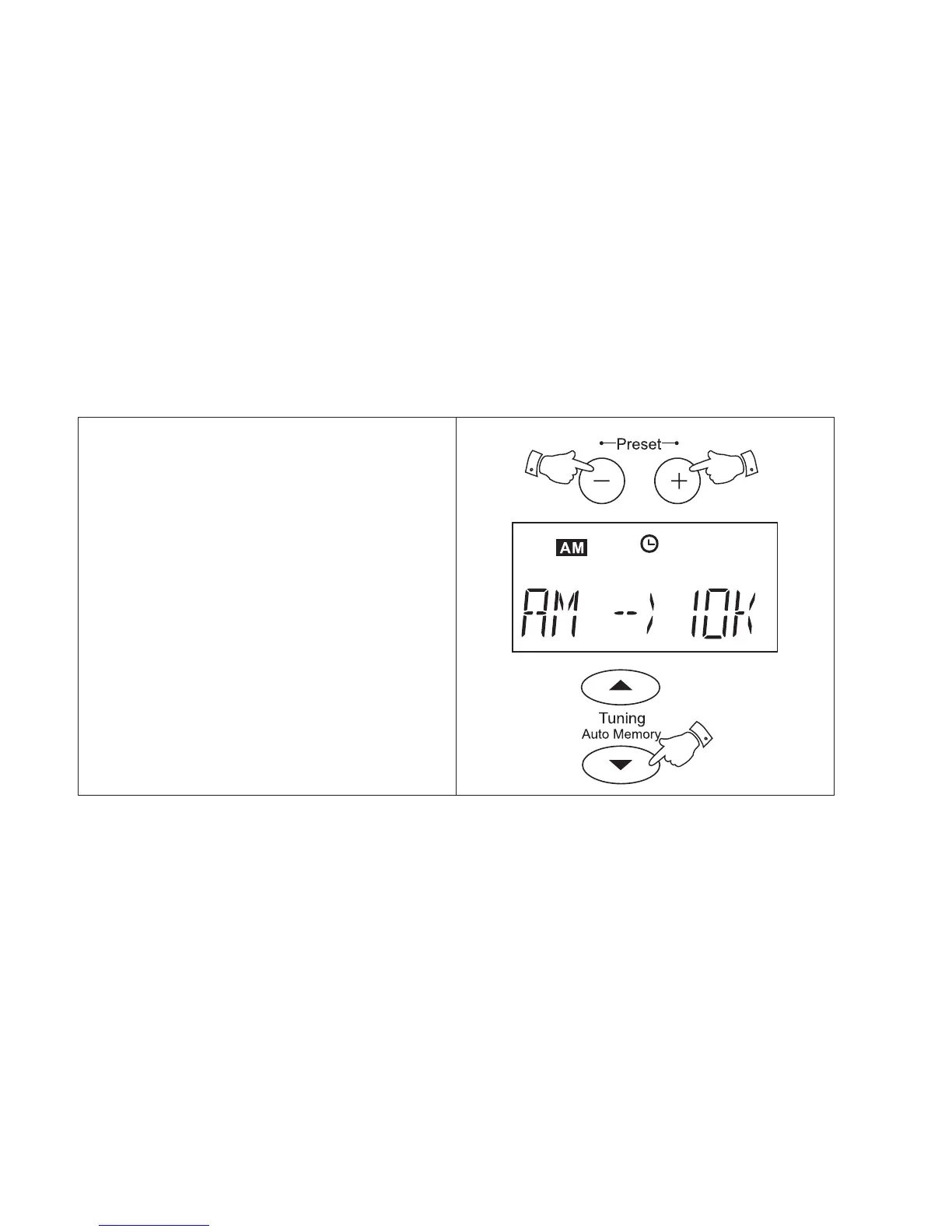
1. To change back to 9kHz step size press
and hold down both the Preset + and
Preset - buttons until the display shows
AM --} 10k.
2. Press the Tuning down button to select
9kHz step size. Press the Tuning down
button a second time to confirm the setting.
MW (AM) tuning step size (continued)
19



 To Next Page