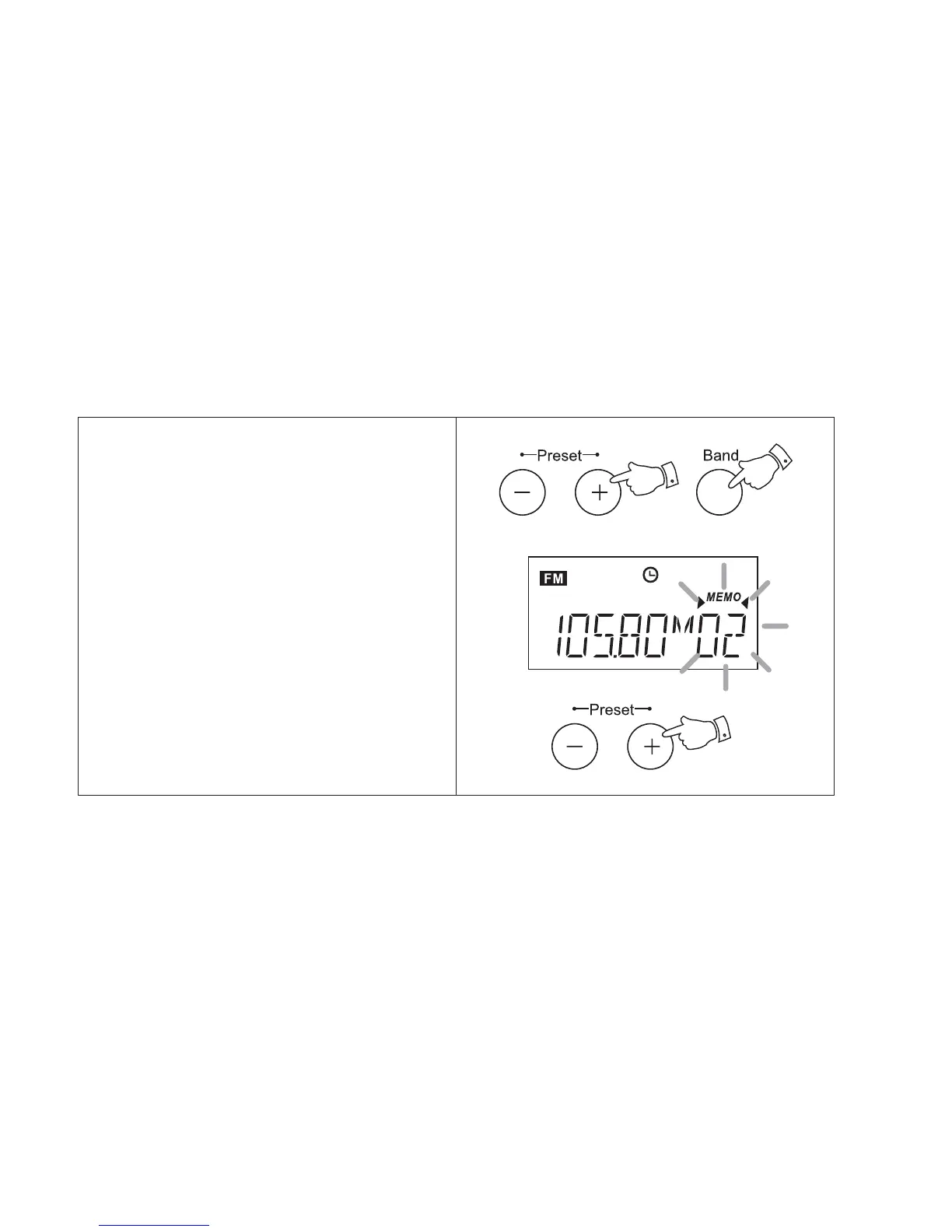
e.g. exchanging preset station 2 with preset
station 5.
1. Turn on your radio and select the required
waveband.
2. Select preset memory 2 using the Preset +
or - buttons.
3. Press the Memo button, Memo and preset
2 will flash in the display.
4. Select preset 5 using the Preset + or -
buttons.
5. Press the Memo button to complete the
operation
Changing preset station order
23



 To Next Page