If you need any further advice, please call our Technical Helpline on :-
020 8758 0338 (Mon-Fri)
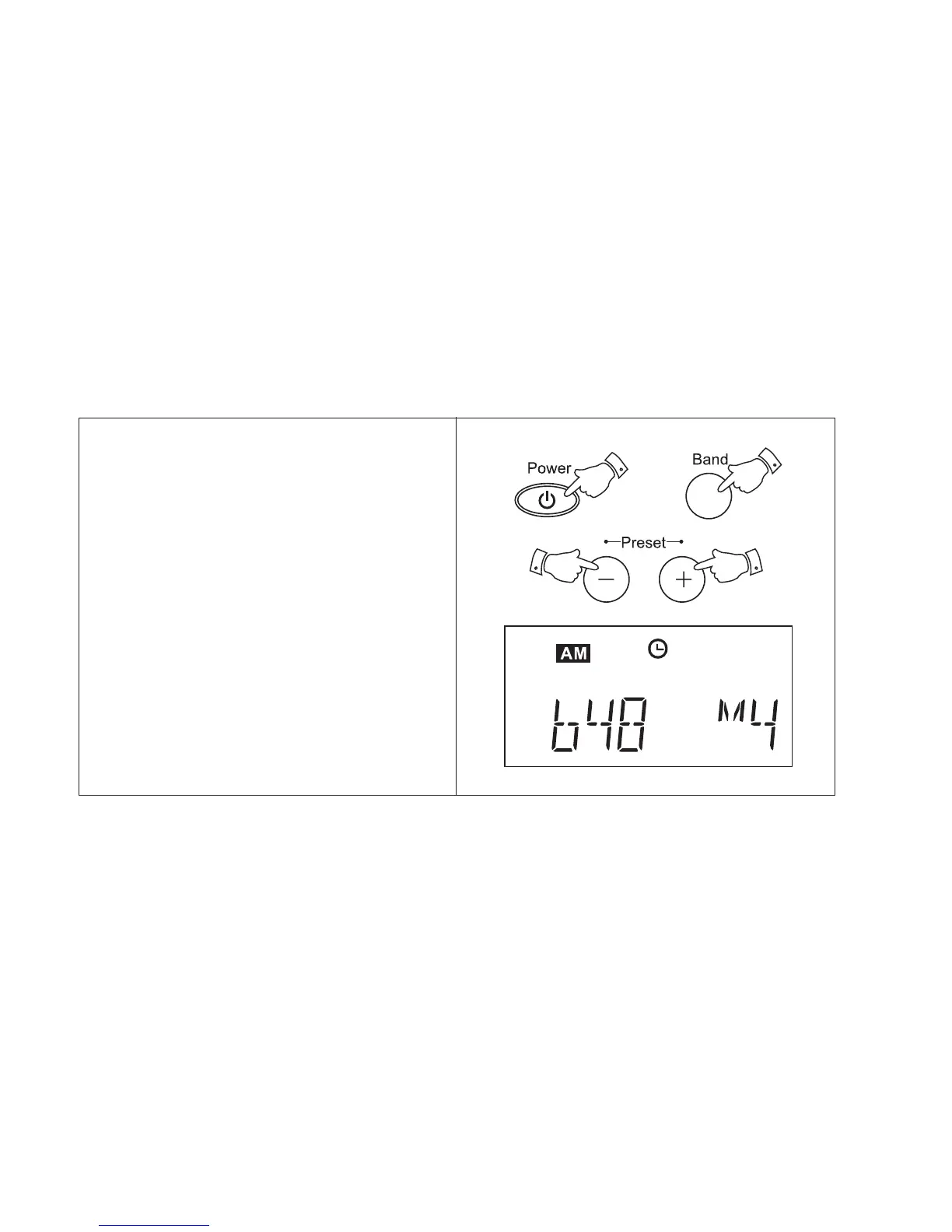
1. Switch on your radio using the Power
button.
2. Select the desired waveband using the
Band button.
3. Press Preset + or - buttons to cycle
through the available preset stations.
Your radio is also equipped with a Memory
scan facility.
1. Press and hold down either the Preset +
and - buttons to start memory scan. Your
radio will scan the available memories
pausing for a few seconds on each. To stop
memory scan press either the Preset + or -
buttons when the required preset is
reached.
Recalling a preset station
22



 To Next Page