If you need any further advice, please call our Technical Helpline on :-
020 8758 0338 (Mon-Fri)
The clock time can be set automatically when
receiving an RDS station that transmits clock
time (CT). The CT information is transmitted
once every minute. If the station has sufficient
signal strength the clock will set within one or
two minutes.
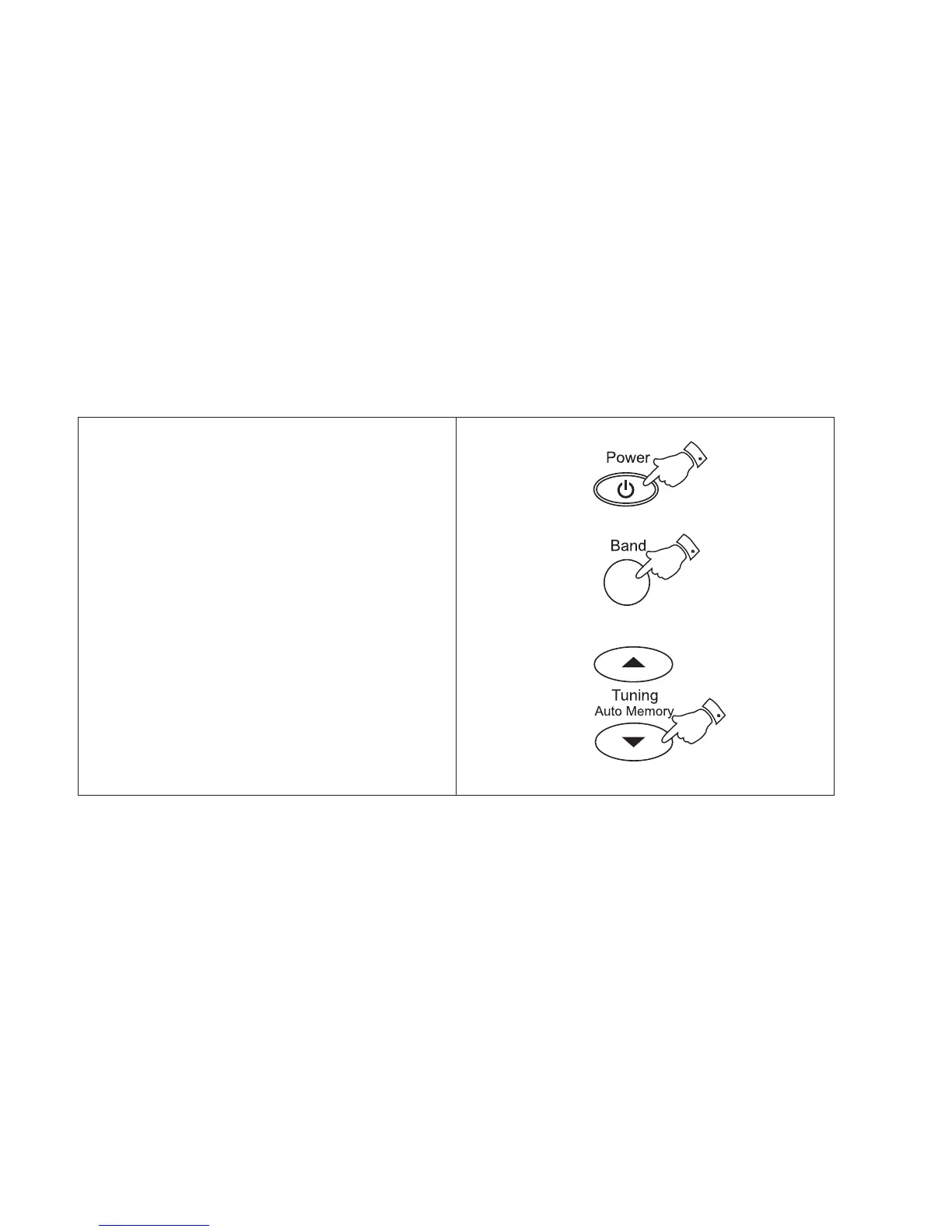
1. Switch on the radio with the Power button.
2. Select the FM waveband by repeat pressing
of the Band button.
3. Fully extend the Telescopic aerial.
4. Press and hold down the Tuning up or
down buttons until the frequency in the
display begins to change rapidly, release the
button.
Setting the clock automatically
8



 To Next Page