1. Switch on your radio and select the FM
waveband.
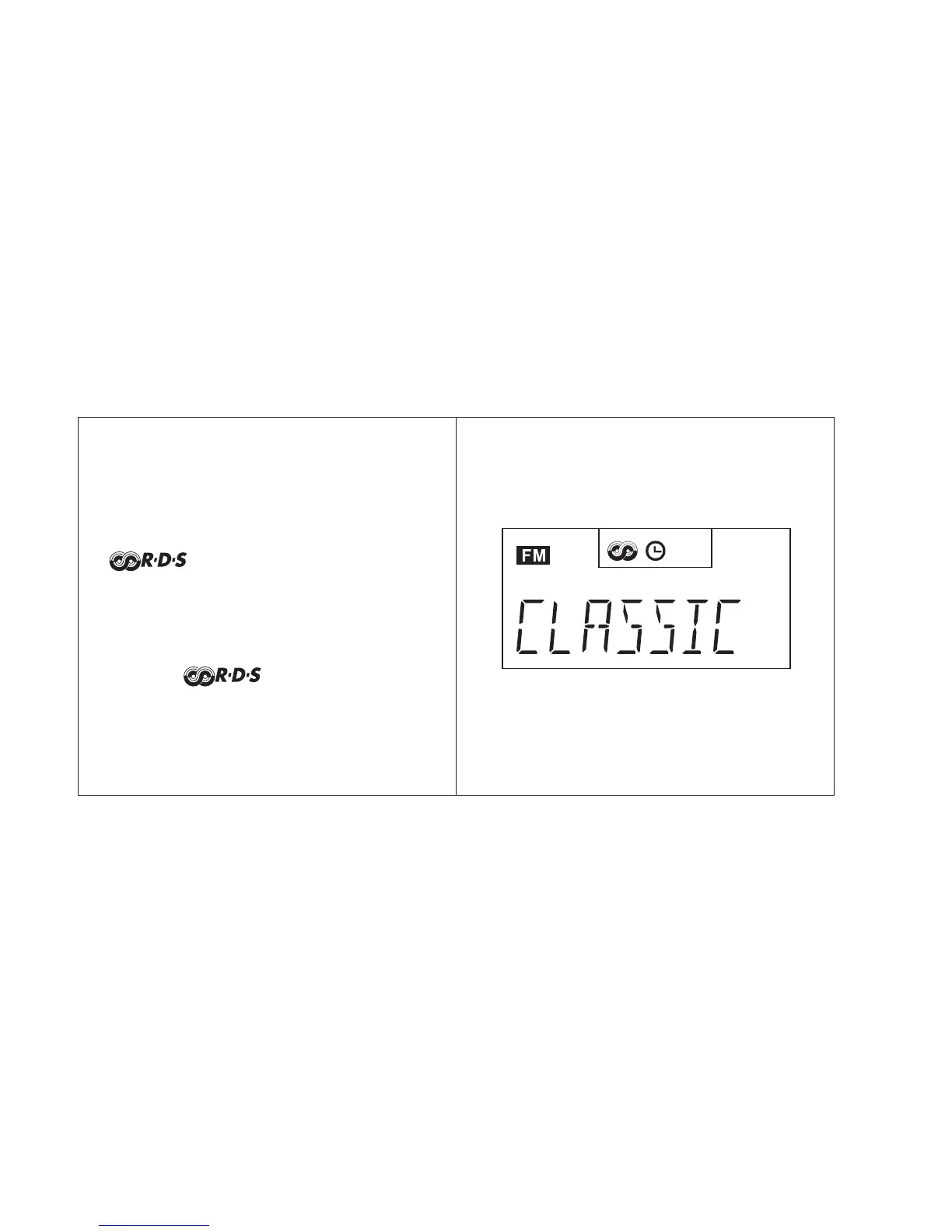
2. Tune into a station, the display will indicate
frequency for a few seconds and then
change to show the station name. The
symbol will appear in the display
3.If the station does not carry RDS
information only the station frequency will
be shown.
Note: the indicator will flash if the
signal is too weak for RDS operation.
Operating your radio using RDS (Radio data system)
27



 To Next Page