If you need any further advice, please call our Technical Helpline on :-
020 8758 0338 (Mon-Fri)
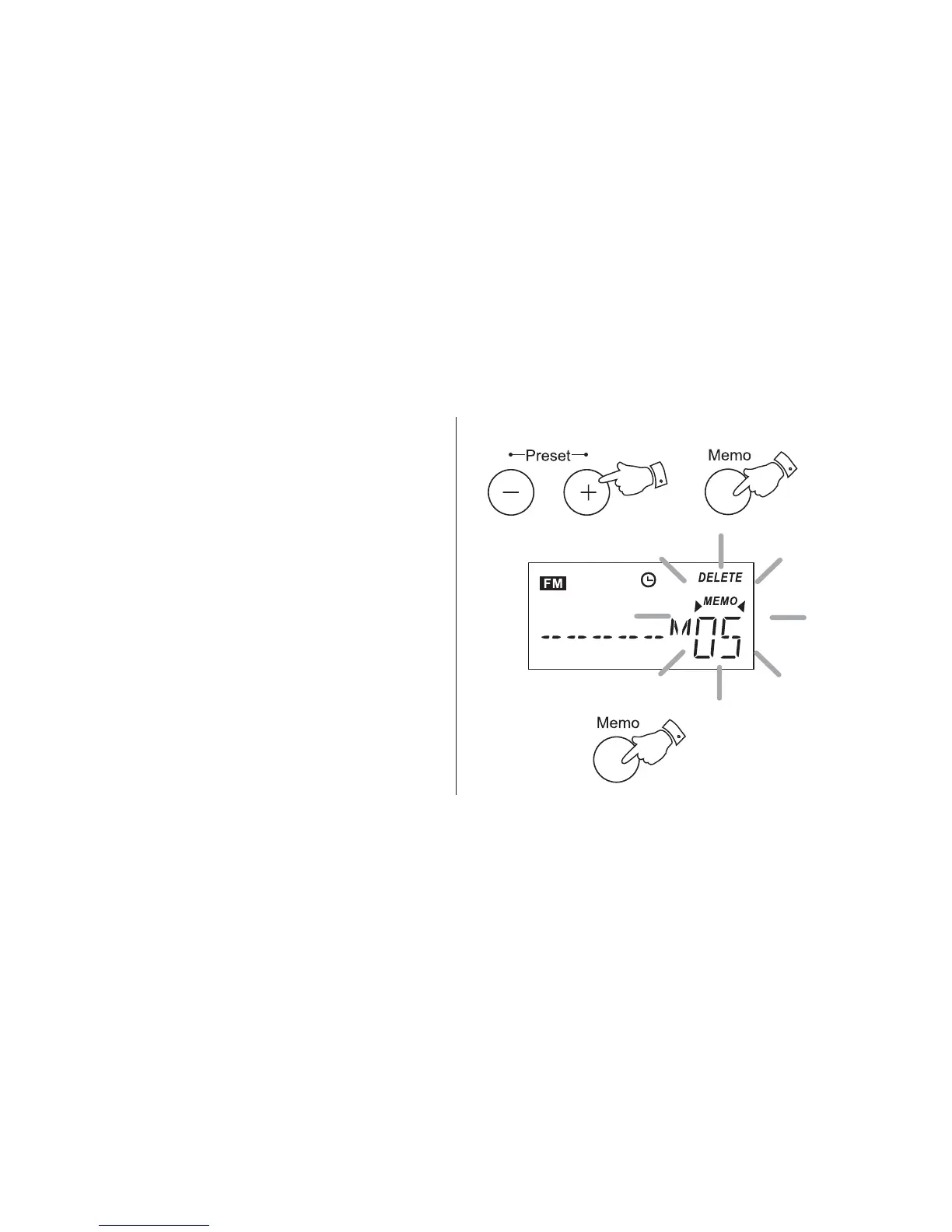
Deleting preset stations
1. Switch on your radio and select the preset
station to be deleted using the Preset + or
- buttons.
2. Press and hold down the Memo button until
'Memo' and 'Delete' flash in the display.
3. Press the Memo button to confirm the
deletion.
24



 To Next Page