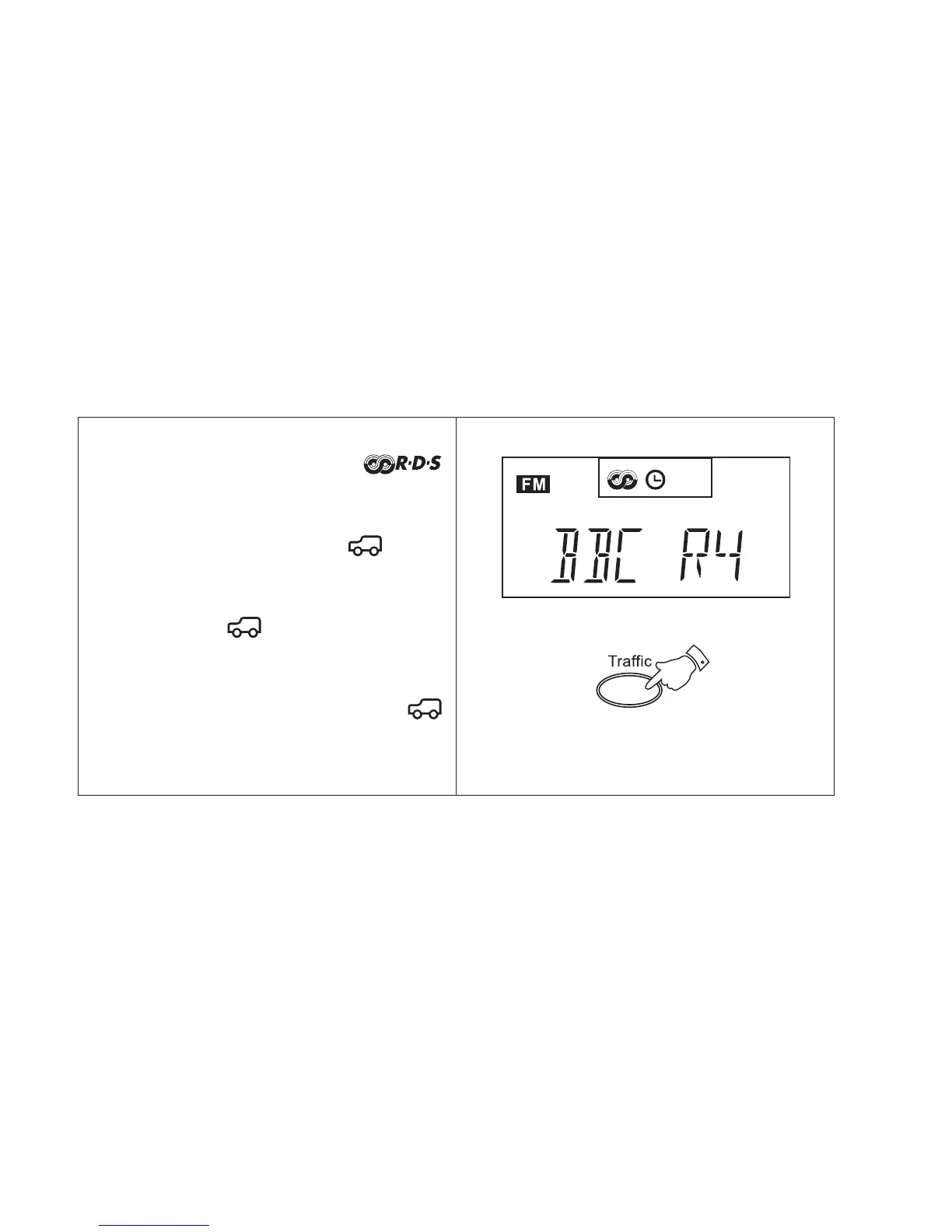
1. Switch on the radio select the FM waveband
and tune to an RDS station. The
symbol will appear in the display.
2. Press the Traffic button once. If the station
provides traffic information the symbol
will appear in the display.
3. If the station does not provide traffic
information the symbol will not appear
and the radio will beep indicating that no
traffic information is available.
4. During traffic announcements the
symbol will flash in the display.
Traffic Announcements (TA)
29



 To Next Page