If you need any further advice, please call our Technical Helpline on :-
020 8758 0338 (Mon-Fri)
60
Lock Switch
The lock switch located on the under-side of your radio is used to
prevent unintentional operation.
1. Slide the Lock switch to the "locked position", the keylock symbol
will appear in the display. The Power/Standby and all other
buttons will be disabled. This will prevent accidental operation
when the radio is packed in a suitcase. To release the Lock switch
move the switch to the "unlocked position", the keylock symbol
will be removed from the display.
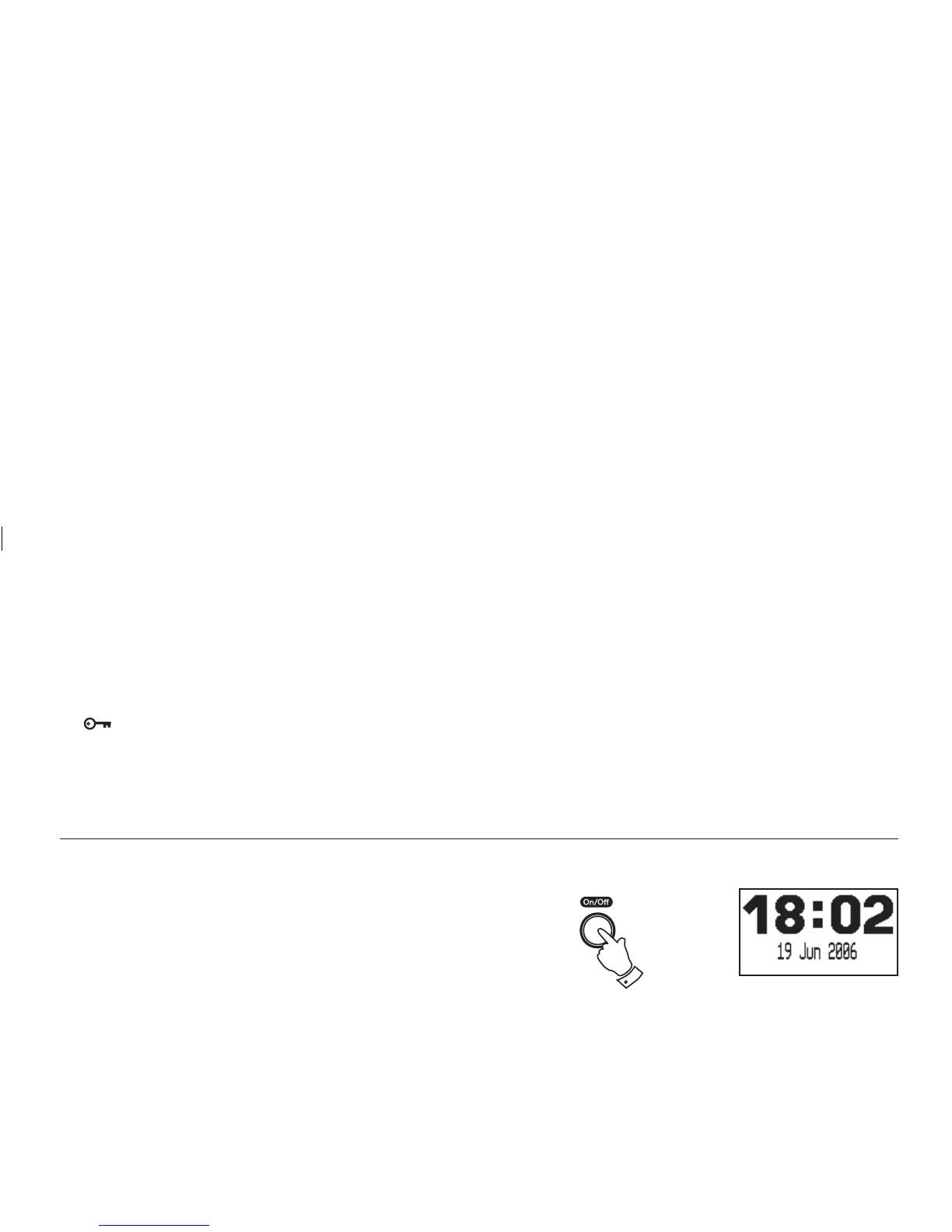
Standby display
When your radio is in standby mode the time and date will be dis-
played and the radio will check all available DAB stations for EPG
information.
1. If your radio is mains operated and switched on, press and release
the Power/Standby button to switch your clock radio to
standby mode.
1,2














 To Next Page