EasyManua.ls Logo

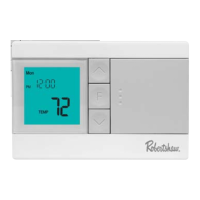
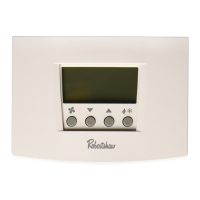
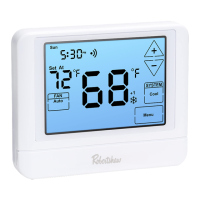
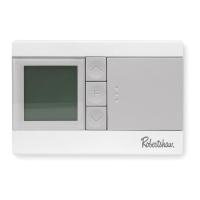
Robertshaw RS9110 - Thermostat Quick Reference; Understanding Key Display Indicators

Robertshaw RS9110
20 pages
Print Icon
To Next Page IconTo Next Page
To Previous Page IconTo Previous Page
Loading...
Days of the week
and time.
Button Options
Programmable Time Periods:
This thermostat has 4
programmable time periods per
day.
Indicates the current
room temperature.
Displays the user
selected setpoint
temperature.
Hold: Is displayed
when thermostat
program is
permanently
overridden.
Low Battery
Indicator:
Replace batteries
when indicator is
shown.
System Operation
Indicators:
The , or icon
will display when the
COOL, HEAT, or
(fan) is on.
NOTE: The compressor
delay feature is activeif
these icons are ashing.
The compressor will not
turn on until the 5 minute
delay has elapsed.
Tech Set
Next Step
Min Com On
Com Delay H eat
Cool Swing
Room
Sun Mon Tue Wed Thu
Hold Filter
Set At
SatFri
Set Time
Run Sched
Set Sched
Hold
Prev Step
Menu
Done
WAKE
LEAVE RETURN SLEEP
+1 +2
AM
PM
THERMOSTAT QUICK REFERENCE
4

Other manuals for Robertshaw RS9110

Related product manuals