Day&Night IP Camera
xxx.exe on the disk. The program will pop-up some windows about
the installation options, please press the “next” button to proceed with the installation.
After the installation is complete, there will be an icon on the desktop of your
computer screen, please execute this icon. The program will run
immediately.
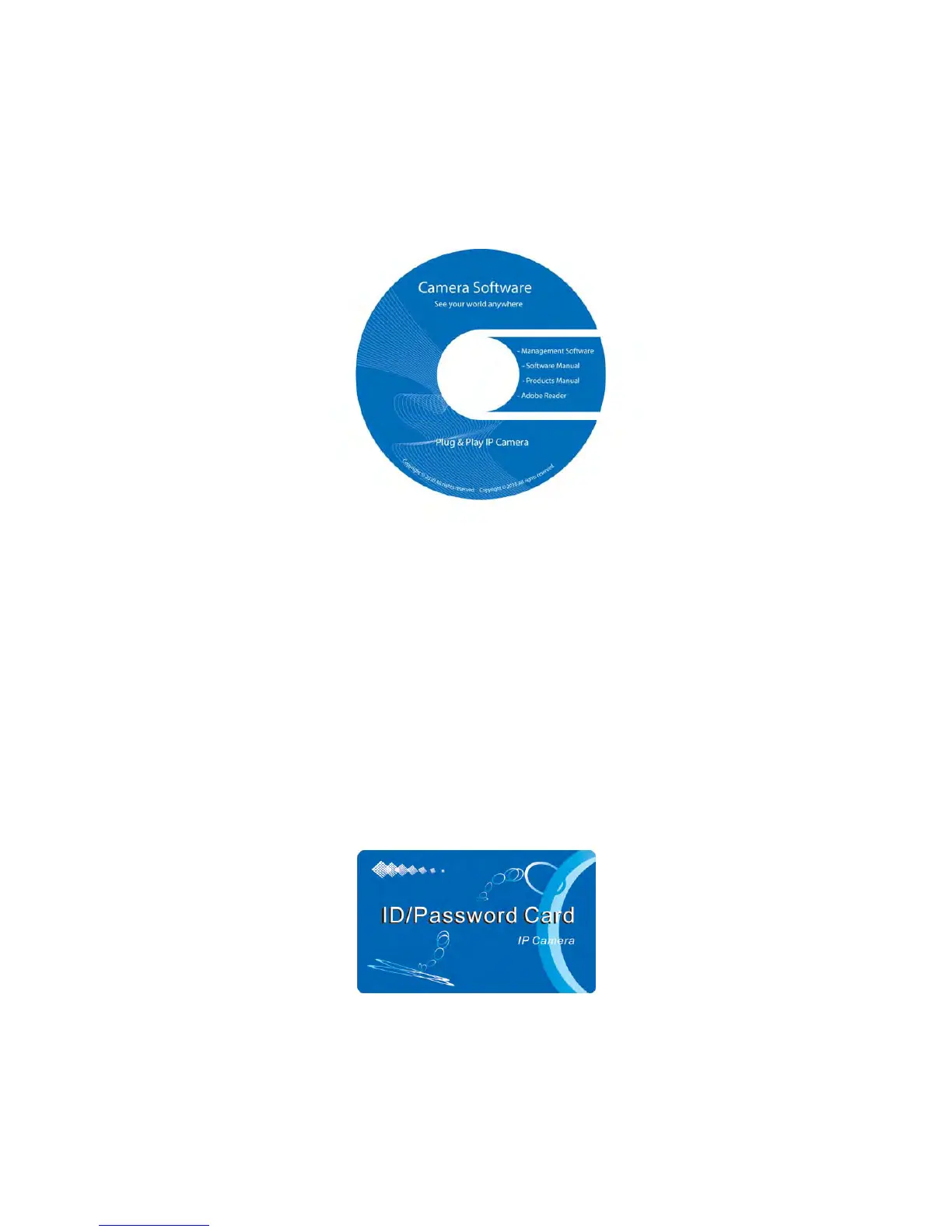
Figure 2-5: The installation CD disk
Third, Use PC program to see the video
Figure 2-7 is the running window of the program. If the computer and
IP CAM is connected to the same network, the IP CAM ID will be displayed in the
“Auto Search” list. You can double click the “Auto Search” to search all the connected
IP CAMs any time. The only thing left right now for seeing the video is to double click
the IP CAM ID item in the “Auto Search” list. For example, if the IP CAM ID is
001-001-029, you can then double click the 001001029 item in the “Auto Search” list
to view the video. A window asking for password input will pop up. Please key-in the
password in your ID/Password card into this field and click “ok”. The video will then be
displayed on the window.
Figure 2-6: The ID/Password card
Notice 1:
1. You can modify this play-video password by entering into the web configuration
pages. Please refer to section 3.6 for more information.
11


 To Next Page