B.3 FOV Setting (FOV SET)
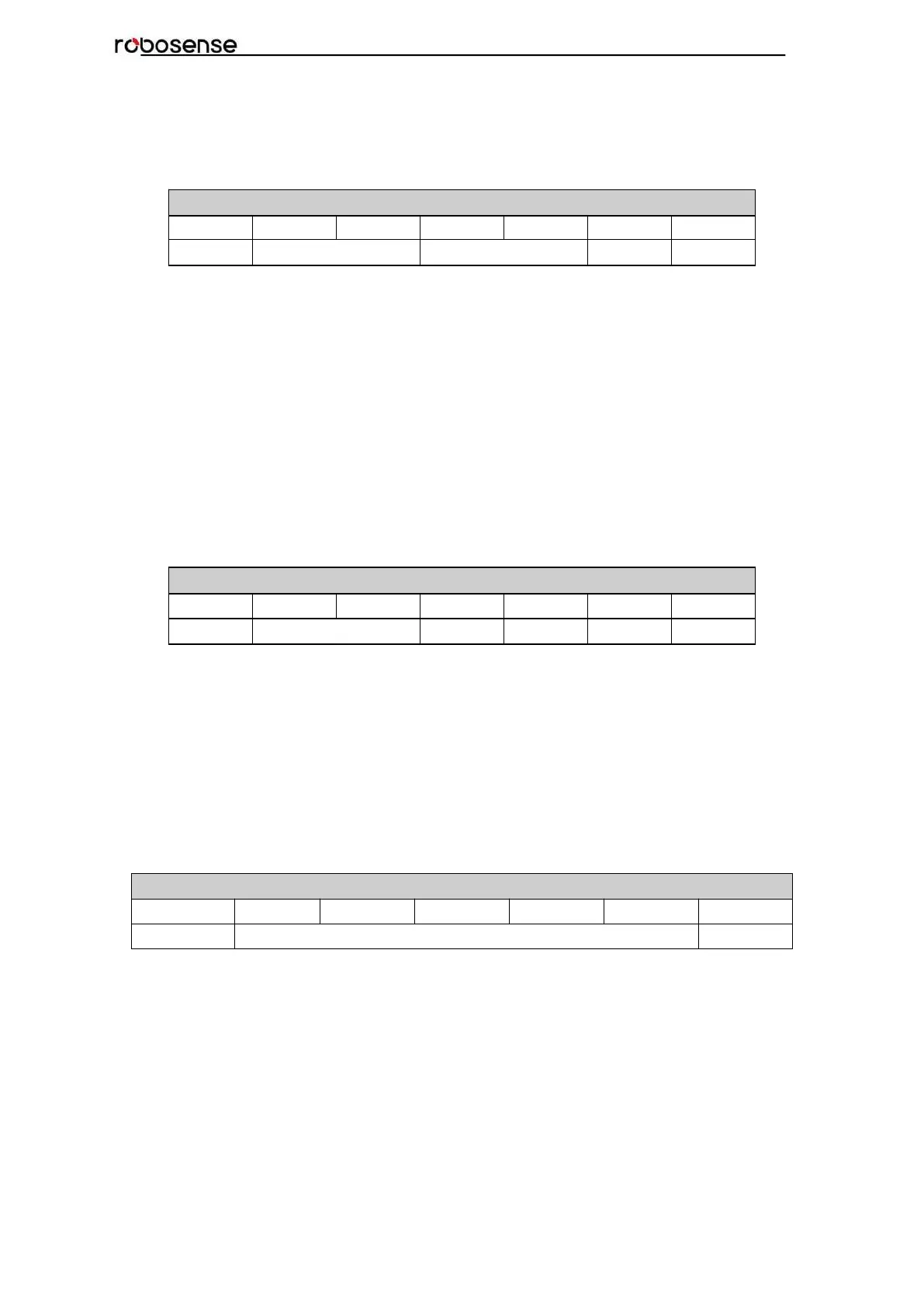
FOV Setting(Total 4bytes)
Register Description:
Set the horizontal angle range of the device for outputting valid data, FOV_START and
FOV_END adjustment range 0~36000, corresponding angle 0~360°, the data storage
format adopts big endian format.
For example:
byte1=0x5d, byte2=0xc0, byte3=0x1f, byte4=0x40,
so:
FOV_START = 93*256+192=24000 FOV_END = 31*256+64=8000
Indicates that the valid data output has a horizontal angle ranging from 240.00°to 80.00°.
Note: In all above calculation, bytes have been transformed to decimal.
B.4 Motor Phase Offset (MOT_PHASE)
Motor Phase Offset(2bytes in total)
Register description: It can be used to adjust the phase offset of the motor with the PPS
together. The value can be set from 0 to 360. The data storage format adopts big endian
format.
For example:
the byte1=1, byte2=14, so the motor phase should be 1*256+14 = 270.
Note: In all above calculation, bytes have been transformed to decimal.
B.5 Top Board Firmware (TOP_FRM)
Top Board Firmware(5bytes in total)
Register description:
If our top board firmware revision is T6R23V6_T6_A, then TOP_FRM will output 06 23 06
06 A0,0x06230606A0.
In the output, the A represents release version Application, while the F represents factory
version Factory.



 To Next Page