EasyManua.ls Logo

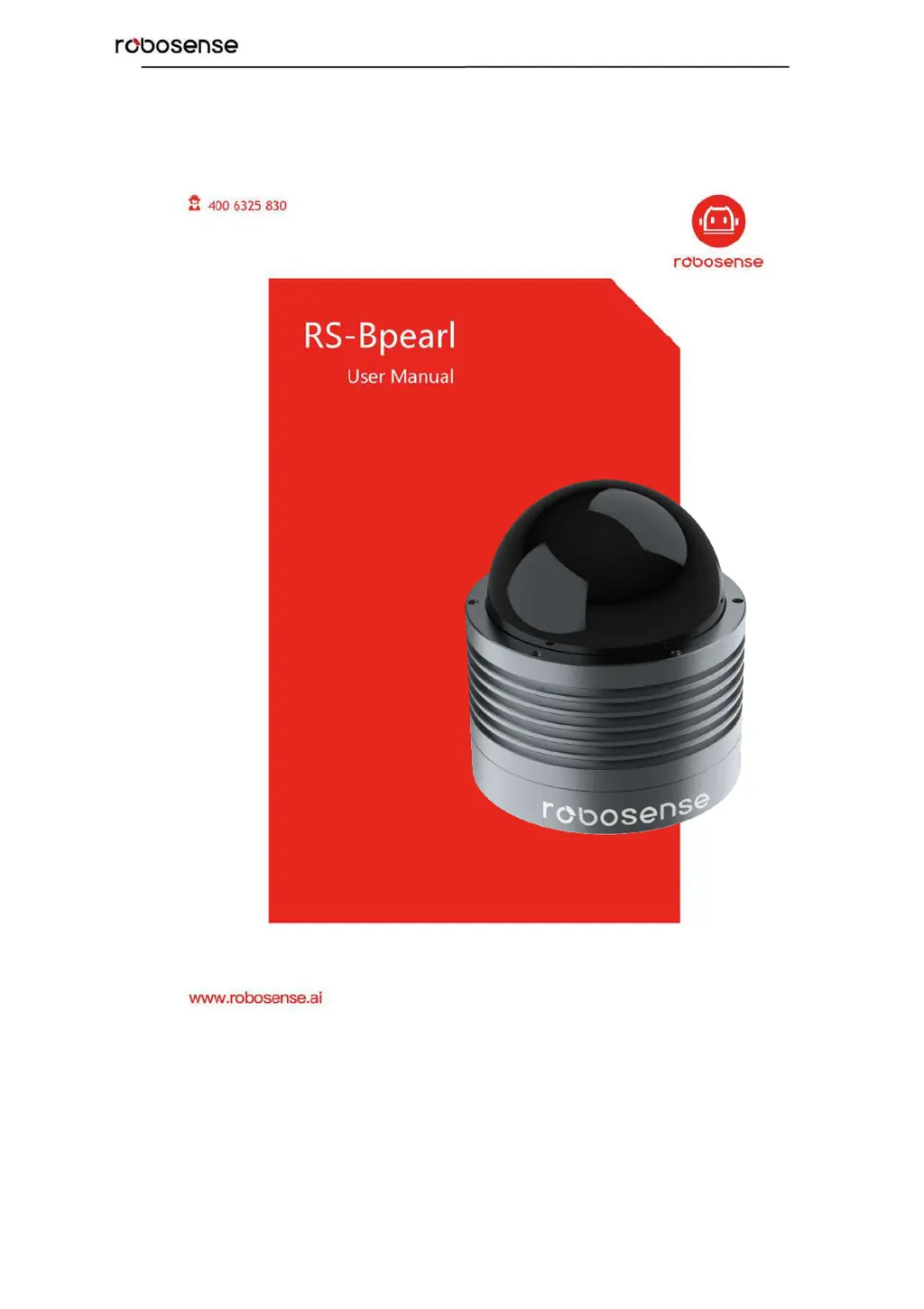
RoboSense RS-Bpearl - User Manual

RoboSense RS-Bpearl
56 pages
Print Icon
To Next Page IconTo Next Page
Loading...
RS-Bpearl User Manual

Table of Contents

Questions and Answers

  • P
    Patrick NolanAug 17, 2025
    What to do if RoboSense RS-Bpearl Accessories unit spins but there is no data?
    • M
      Marcus DavisAug 17, 2025
      If the RoboSense unit spins but no data is received, verify the following: * The network wiring is functional. * The receiving computer's network settings are correctly configured. * Packet output is present using an application like Wireshark. * No security software is blocking Ethernet broadcasts. * Input voltage and current draw are within proper ranges.
  • E
    Eric MclaughlinAug 20, 2025
    Why am I experiencing data dropouts with my RoboSense Accessories?
    • C
      christopherpetersonAug 20, 2025
      Data dropouts are nearly always an issue with the network or user computer. Check for excessive traffic or collisions on the network. Also, determine if excessive broadcast packets from another service are being received by the sensor, which can slow it down. Ensure the computer is fast enough to keep up with the packet flow from the sensor. As a test, remove all network devices and directly connect a computer to the sensor.
  • C
    cynthiafernandezAug 22, 2025
    What to do if I can see data in Wireshark but not in RSVIEW for RoboSense RS-Bpearl?
    • O
      obrienthomasAug 22, 2025
      If you can see data in Wireshark but not in RSVIEW, check that no firewall is active on the receiving computer. Also, verify that the receiving computer’s IP address is the same as the LiDAR destination IP address. Ensure the RSVIEW Data Port setting is correct and that the RSVIEW installation path and LiDAR configuration files path do not contain any Chinese characters. Finally, confirm if Wireshark receives the MSOP packets.
  • J
    Jean FinleyAug 25, 2025
    What to do if RoboSense RS-Bpearl Accessories reboots at boot time?
    • T
      Tyler KeyAug 26, 2025
      If the RoboSense Accessories reboots at boot time, verify the power connection and polarity. Also, ensure that the power supply satisfies the requirement (at least 3A @ 12V). Check if the LiDAR mounting plane is level or if the LiDAR bottom fixing screws are too tight.
  • J
    joseph40Aug 27, 2025
    How to troubleshoot GPS synchronization issues with RoboSense RS-Bpearl?
    • B
      Brenda TurnerAug 27, 2025
      To troubleshoot GPS synchronization issues, verify the baud rate is 9600 and the serial port is set to 8N1 (8 bits, no parity, 1 stop bit). Check that the signal level is RS232 level, and ensure electrical continuity of PPS and serial wiring. Also, check for incorrect construction of the NMEA sentence, verify that the GPS and Interface BOX are connected to the same GND, and confirm that the GPS is receiving valid data.
  • A
    Amy LopezAug 30, 2025
    What to do if the rotor doesn't spin on RoboSense Accessories?
    • S
      Stephen CrawfordAug 30, 2025
      If the rotor doesn’t spin, verify the Interface BOX LEDs are okay and the connection between the Interface BOX and LiDAR is solid.
  • D
    Darryl EscobarSep 1, 2025
    How to fix a RoboSense RS-Bpearl Accessories Interface BOX when the red LED doesn’t light or blink?
    • S
      shannon11Sep 2, 2025
      If the Interface BOX red LED doesn’t light or blink, verify the power connection and polarity. Also, ensure the power supply satisfies the requirement (at least 3A @ 12V).
  • M
    Mark ThomasSep 4, 2025
    What does it mean if the red LED is on but the green LED doesn't light or blink on RoboSense RS-Bpearl Accessories Interface BOX?
    • A
      Andrew CooperSep 4, 2025
      If the Interface BOX red LED lights on but the green LED doesn’t light or blink, verify the connection between the Interface BOX and LiDAR is solid.
  • S
    Sherri ScottSep 6, 2025
    How to get data via router with RoboSense Accessories?
    • S
      swilcoxSep 6, 2025
      To get data via router, close the DHCP configuration.
  • D
    David Burton MDSep 9, 2025
    How to fix sensor point cloud data distortion with RoboSense Accessories?
    • J
      Joshua MartinSep 9, 2025
      To fix sensor point cloud data distortion, check if the configuration files are correct.

Summary

Safety Notice

Introduction to RS-Bpearl

Product Specifications

Interface and Connectivity

Power Supply Details

Details power supply requirements and voltage for the RS-Bpearl.

LiDAR Data Output Interface

Describes the aviation terminal connector for LiDAR data output.

Interface Box Description

Explains the interface box for power, Ethernet, and GPS connections.

Interface Box Connection Diagram

Illustrates how to connect the interface box to power, GPS, and PC.

Communication Protocols

MSOP Protocol Details

Explains the Main Data Stream Output Protocol (MSOP), including its packet structure and data fields.

DIFOP Protocol Details

Details the Device Information Output Protocol (DIFOP) for monitoring device status and configuration.

UCWP Protocol Details

Introduces the User Configuration Write Protocol (UCWP) for device parameter reconfiguration.

GPS Synchronization

GPS Synchronization Theory

Explains how GPS synchronization works with PPS and GPRMC signals.

GPS Usage and Configuration

Details the GPS receiver connection and GPRMC message format.

Key Characteristics

Return Mode Options

Explains different return modes: Strongest, Last, and Dual.

Phase Lock Feature

Describes the phase-locking feature for synchronizing multiple sensors.

Point Cloud Mapping

Coordinate System Mapping

Explains the conversion from polar to XYZ Cartesian coordinates.

Troubleshooting Guide

Information Registers (Appendix B)

Motor Speed Settings

Explains the register for setting motor rotation speed and direction.

Ethernet Configuration Registers

Details registers for IP address, MAC address, and port numbers.

FOV Setting Parameters

Describes registers for setting the Field of View (FOV) range.

Motor Phase Offset Setting

Explains the register for adjusting motor phase offset.

Firmware and Version Information

Details formats for top/bottom board firmware and serial numbers.

UTC Time Register Details

Explains the register for setting and reading UTC time components.

Status Register Details

Describes registers for monitoring current, voltage, and power supply status.

Fault Diagnosis Registers

Details registers for temperature, error rates, and diagnostic status.

Corrected Vertical Angle Data

Defines the byte structure for corrected vertical angles per channel.

Corrected Horizontal Offset Angle Data

Defines the byte structure for corrected horizontal offset angles per channel.

RSView Software Usage (Appendix C)

RSView Software Features

Lists the capabilities of the RSView software for data visualization, recording, and analysis.

RSView Installation and Network Setup

Instructions for installing RSView, configuring network settings, and starting data visualization.

RSView Data Handling and Replay

Guides on saving streaming data to PCAP files and replaying recorded data.

RSView Firmware Parameter Settings

Instructions for setting factory firmware parameters like Rotate Speed and FOV.

RSView Data Port and Firmware Update

Guides on configuring RSView data ports and performing online firmware updates.

RSView Troubleshooting

Using the Fault Diagnosis tool within RSView to monitor and diagnose sensor parameters.

RS-Bpearl ROS Package Integration (Appendix D)

ROS Software Installation

Guide for installing Ubuntu and ROS Kinetic for the RS-Bpearl package.

Compiling the RS-Bpearl ROS Package

Steps to compile the ROS package for RS-Bpearl.

Configuring PC IP Address for ROS

Setting the PC's static IP address for communication within the ROS environment.

Displaying Real-time Data with ROS

Instructions to launch ROS nodes for visualizing real-time point cloud data.

Offline PCAP File Display with ROS

Steps to display recorded PCAP data using the RS-Bpearl ROS package.

LiDAR Cleaning and Maintenance (Appendix H)

RoboSense RS-Bpearl Specifications

General IconGeneral
ModelRS-Bpearl
Field of View360°
Laser Wavelength905 nm
TypeLiDAR
Weight0.92 kg
Accuracy±2 cm
Frame Rate10 Hz