EasyManua.ls Logo

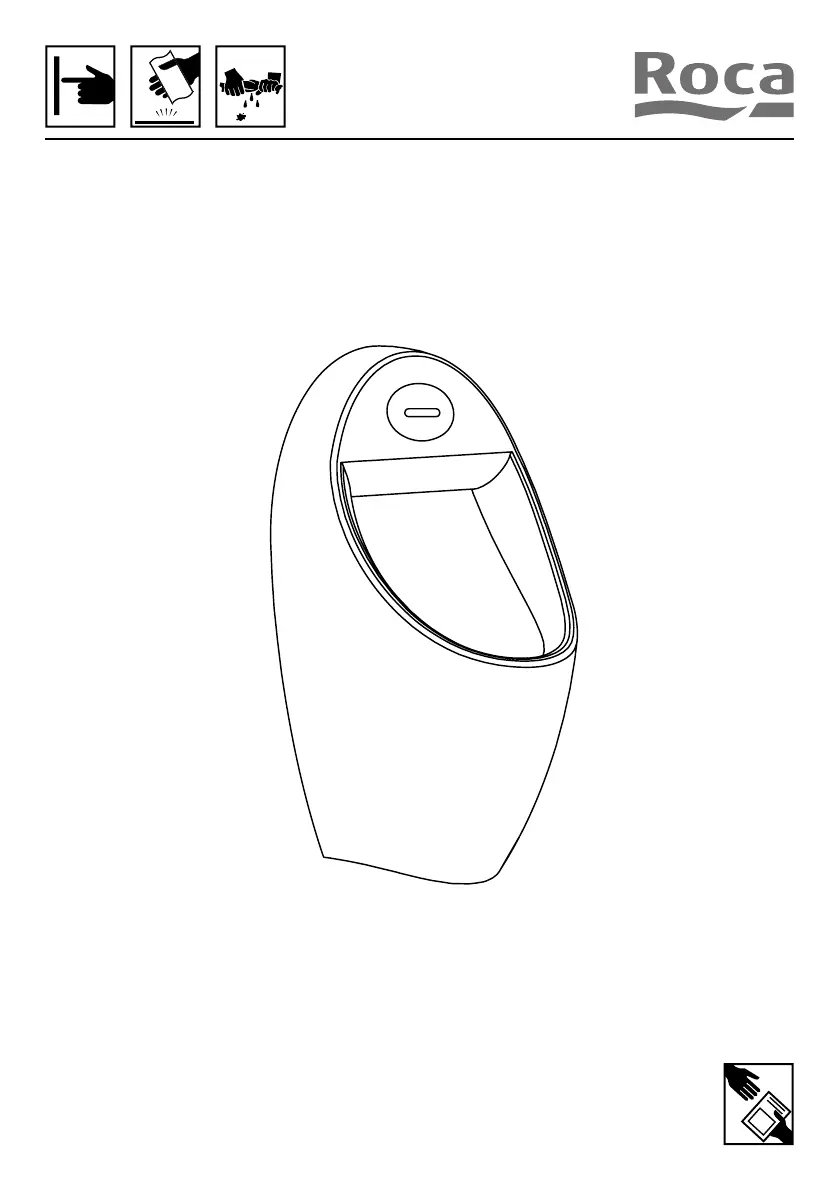
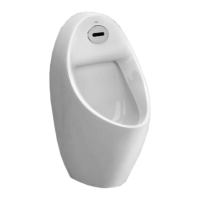
Roca EURET A35945M000 - User Manual

Roca EURET A35945M000
20 pages
Print Icon
To Next Page IconTo Next Page
Loading...
EURET

Questions and Answers

  • J
    John AndersonAug 6, 2025
    What to do if Roca EURET A35945M000 don't flush and the indicator is off?
    • J
      jamesfloydAug 6, 2025
      If your Roca toilet isn't flushing and the indicator light is off, there could be several reasons. First, check the batteries to ensure they are correctly installed (A35945E..0, A35945S..0). If you have a model A35945M..0 or A35945T..0, verify that there isn't a power outage or power cut. Also, ensure that the sensor window is clean and free from obstructions. Finally, check the wire connections to make sure they are secure and properly connected.
  • O
    Olivia AndersenAug 14, 2025
    What to do if my Roca EURET A35945M000 indicator flickers but it doesn't flush properly?
    • D
      Daniel TerrellAug 14, 2025
      If the indicator light on your Roca toilet is flickering, but the flushing is not working well, there are a couple of things to check. If the installation was just completed, wait for 60 seconds. Also, make sure that the inlet valve is fully opened.
  • J
    James OrtegaAug 20, 2025
    Why can't water stop running in my Roca EURET A35945M000 Toilets (indicator not flickering)?
    • J
      Jerome OwensAug 20, 2025
      If the water won't stop running in your Roca toilet and the indicator light isn't flickering, there might be dirt inside the solenoid valve. Try cleaning the IR filter.
  • B
    Brooke CookAug 29, 2025
    Why is there not enough water in my Roca EURET A35945M000 Toilets?
    • C
      Chelsea MckayAug 29, 2025
      If you're experiencing insufficient water flow in your Roca toilet, there are a few potential causes. Begin by ensuring that the inlet valve is fully open. If the problem persists, the filter might be blocked and require cleaning. In case the water pressure is too low, it's recommended to contact your water supplier.

Summary

Important Safeguards

Operational Precautions

Key operational precautions for sensor window and proximity to ensure proper functioning.

Product Disposal Policy

Guidelines for responsible disposal of electronic products, particularly within the EU.

Part List

Specifications

3 Installation Procedure

Main Power Connection

Detailed steps for connecting the main power supply to specific models.

4 Installation Procedure

5 Installation Procedure

Panel and Battery Installation

Steps for installing the panel and batteries for models A35945E..0, A35945S..0.

Panel and AC Power Assembly Installation

Steps for installing the panel and AC power assembly for models A35945M..0, A35945T..0.

6 Installation Procedure

7 Settings

Sensor Distance Adjustment

How to adjust the sensor's detection distance for optimal performance in different environments.

Flushing Mode Selection

Options for selecting water-saving or intensive clean flushing modes based on user preference.

8 Operational Working Procedure

9 Maintenance Mode

Entering Maintenance Mode

Procedure to enter maintenance mode for product repair without removing the sensor.

Manual Flush Operation

How to activate manual flush mode for cleaning or other purposes using a magnet.

Disabling Flush for Maintenance

Methods to temporarily disable flushing, either via manual mode or sensor disconnection.

Low Battery Management

Understanding low battery indicators and the process for replacing batteries.

10 Clean and Maintenance

IR Filter Cleaning

Instructions for cleaning the IR filter using neutral detergent and a soft cloth.

Water Flow Rate Adjustment

How to adjust the water flow rate using the flow rate knob after disassembly.

Filter Cleaning Procedure

Steps to clean the sensor valve's filter device to maintain flushing performance.

11 Troubleshooting

Roca EURET A35945M000 Specifications

General IconGeneral
Product CodeA35945M000
MaterialCeramic
ColorWhite
Seat IncludedNo
Installation TypeFloorstanding

Related product manuals