24
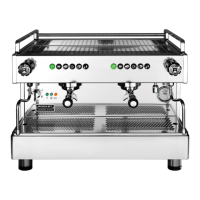
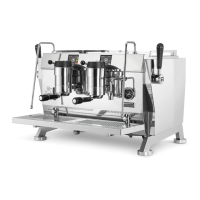
R9V
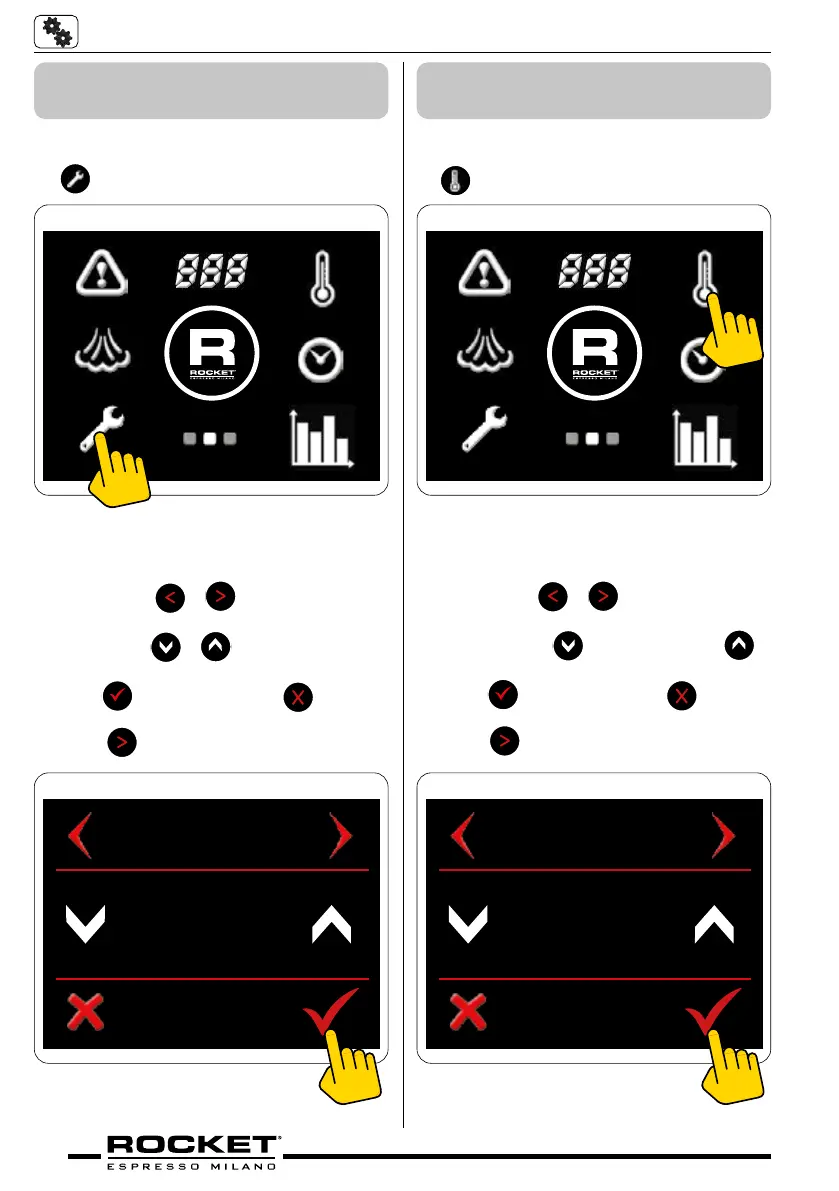
5.4.2 Temperature Settings
(units)
Screen 2 - Spanner Symbol
■ Go to the second screen menu and press
symbol
g_5.10
Temperature Screen
■ Press either
or to navigate through
to the temperature screen.
■ Press either
or to celsius or fahren-
heit.
■ Press
to conrm or press to cancel
and return to home screen. Alternatively
press
to scroll to the next setting.
TEMPERATURE
CELSIUS
g_5.11
5.4.3 Change the Tempera-
ture of the Coffee Boiler
Screen 2 - Temperature Symbol
■ Go to the second screen menu and press
symbol
g_5.12
Coee Temp Screen
■ Press either
or to navigate through
to the coee temp screen.
■ Press either
to decrease or to
increase the coee boiler temperature.
■ Press
to conrm or press to cancel
and return to home screen. Alternatively
press
to scroll to the next setting.
COFFEE TEMP
92° C
g_5.13


 To Next Page