3-8
VSM500 DeviceNet Option Board
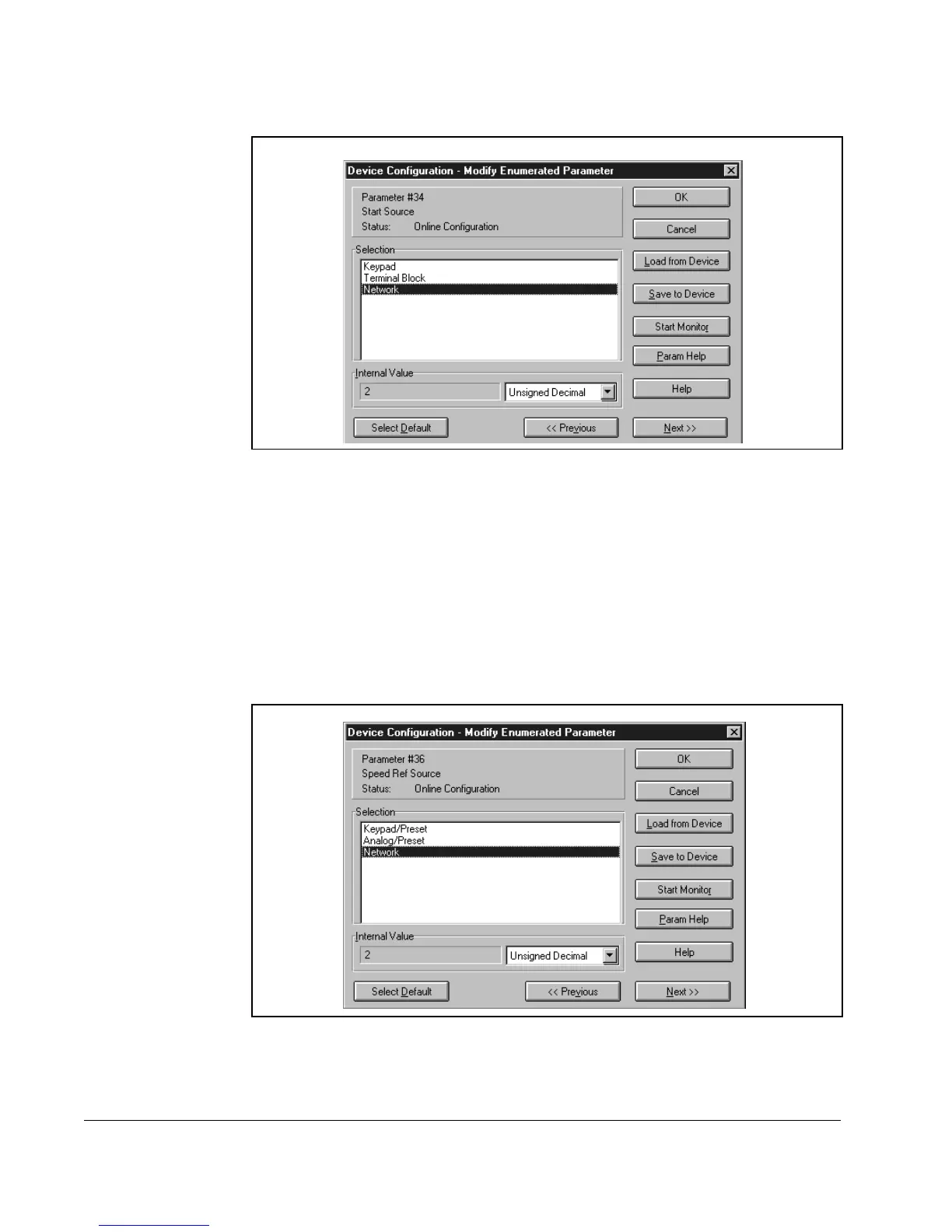
Step 2. Select Network, and then click Save to Device.
Step 3. Click OK to close the dialog box.
3.9 Enabling Network Speed Reference
In order for a scanner to change the speed of the VSM500 unit, the unit must be
configured to accept its speed reference from the network.
Step 1. In the Device Configuration - Enhanced Mode dialog box (see figure 3.8),
double-click parameter 36 [
SPEED REF SOURCE]. The Device Configuration -
Modify Enumerated Parameter dialog box appears.
Step 2. Select Network, and then click Save to Device.
Step 3. Click OK to close the dialog box.
Figure 3.12 – Modifying the Network Control Parameter
Figure 3.13 – Modifying the Speed Reference Parameter



 To Next Page