Configuring a Scanner
4-1
CHAPTER 4
Configuring a Scanner
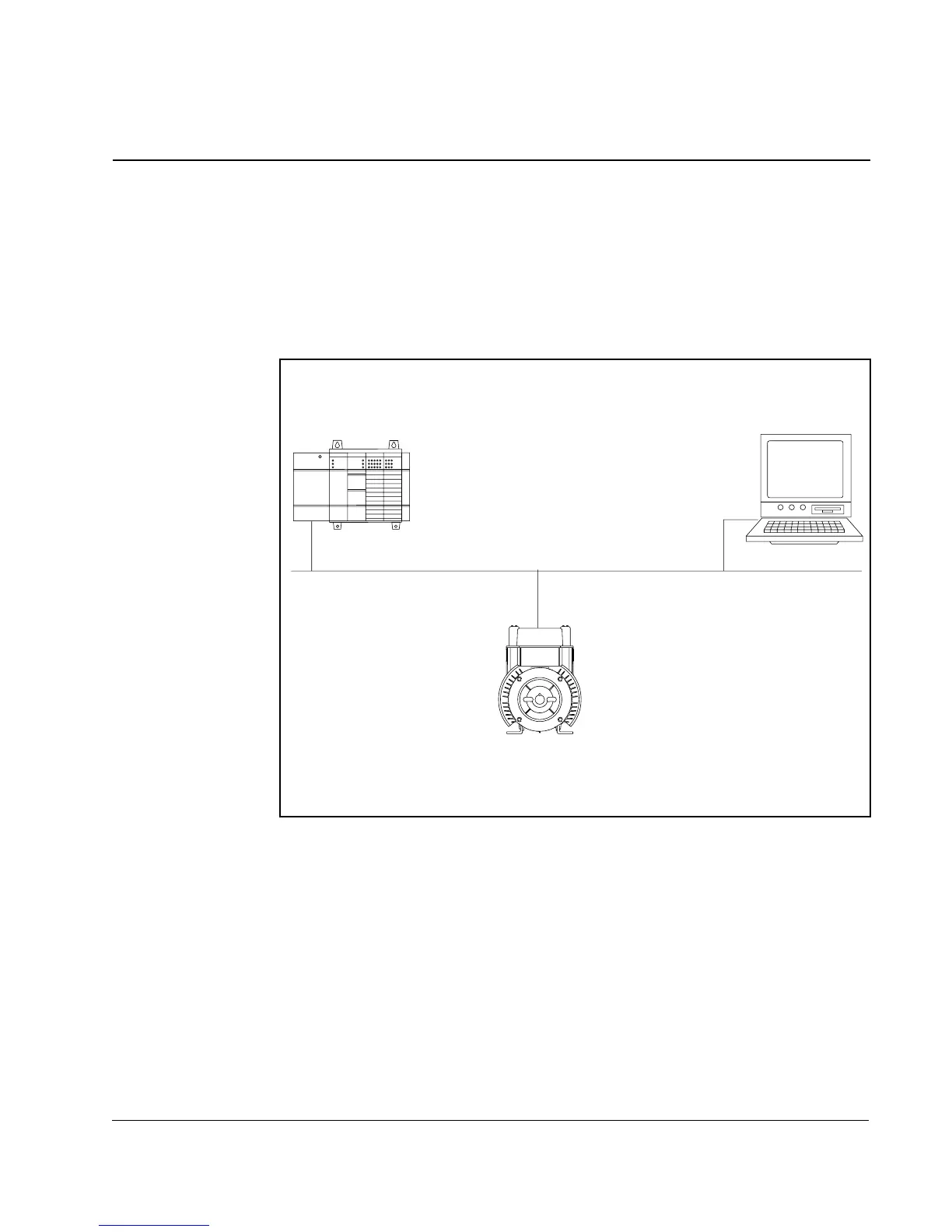
This chapter provides the procedures that are needed to configure the simple network
that is illustrated in figure 4.1. It provides information and instructions for configuring
an SLC 500 controller with a 1747-SDN scanner to communicate with a VSM500
Integrated drive/motor using a DeviceNet option board.
Figure 4.1 – Example DeviceNet Network
o
e
SLC-500 Controller
with 1747-SDN Scanner
Node 62
Computer with 1770-KFD
running DeviceNet Manager
Node 1
VSM500 Integrated Drive/Motor
with DeviceNet Option Board



 To Next Page