82
4 Adjustment
4
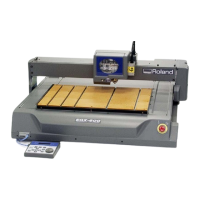
Attach the ACRYLIC PLATE to the machine and turn on the
power while pressing [ ] key to enter the [Calibration
Mode] so that the EGX-600/400 engraves.
And then, check the length.
If NG, repeat 6 to 8 .
8
9
X COMP. Y COMP.
<8333> <8333>
X COMP. Y COMP.
<8333> <8333>
X COMP. Y COMP.
<8333> <8333>
X COMP. Y COMP.
<8351> <8333>
X COMP. Y COMP.
<8333> <8355>
Select either [X COMP.] or [Y COMP.] whichever to be
calculated with [ ] and [ ] keys.
Enter the calibrating amount with [ ] and [ ] keys and
press [ENTER] key to save the setting.


 To Next Page
 Loading...











