Cutting in Tool Mode (2)
Send Cutting Data and Perform Alignment
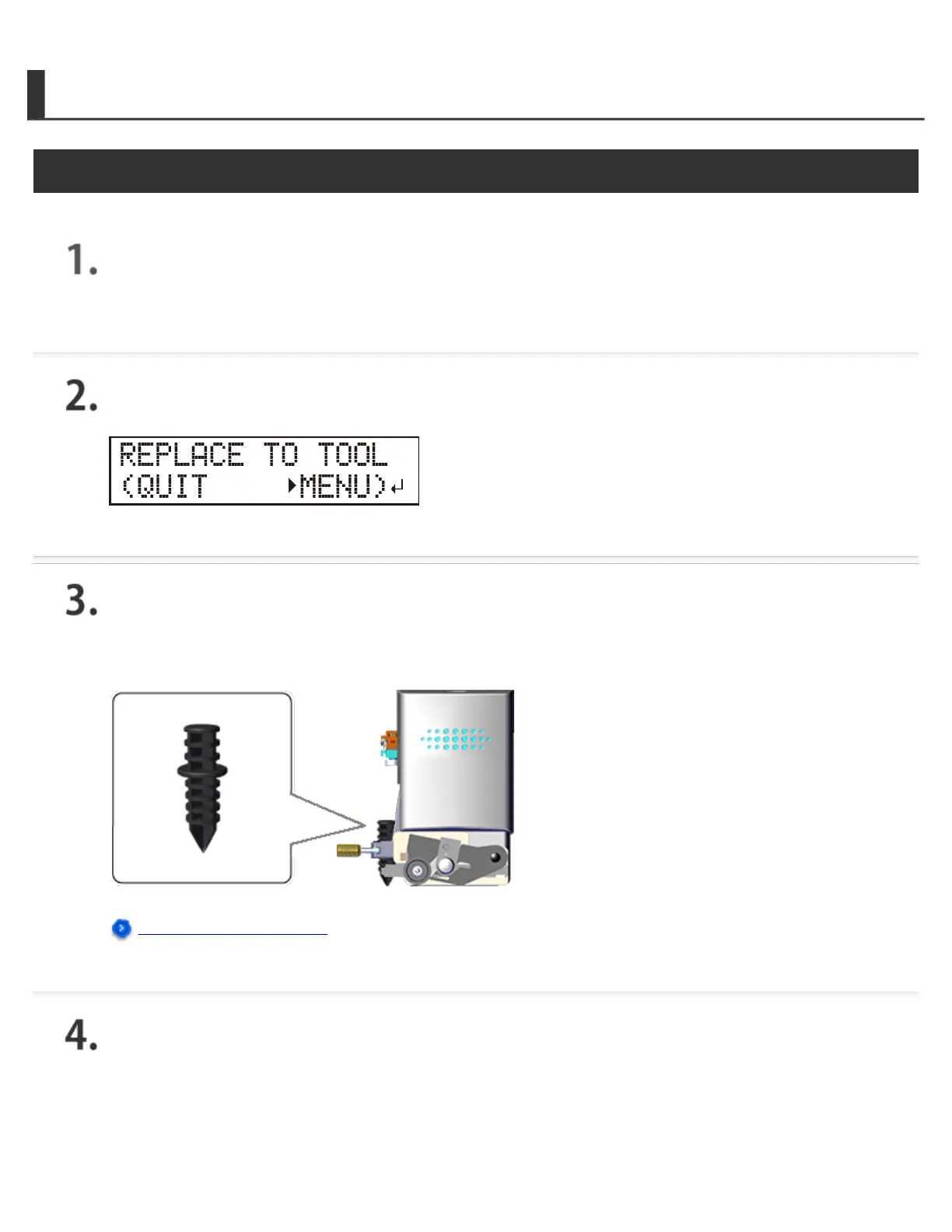
Send the cutting data.
The screen shown in the figure appears.
Install the alignment tool.
The installation method is the same as that of the cutting tool.
Installing the Cutting Tool
When installation is complete, press [ENTER].
The tool moves to a position near the lower-left crop mark and stops, and the screen shown in the
figure appears.







 To Next Page