Step 2: Import the Sample Data
File Formats That Can Be Imported into CutStudio
JPEG format
* JPEG files saved in CMYK format cannot be imported.
BMP format
AI, EPS format (Illustrator 8.0 version)
* Illustrator 8.0 and EPS 8.0 are the importable file formats. If using a higher version, save files as a lower
version before importing.
Procedure
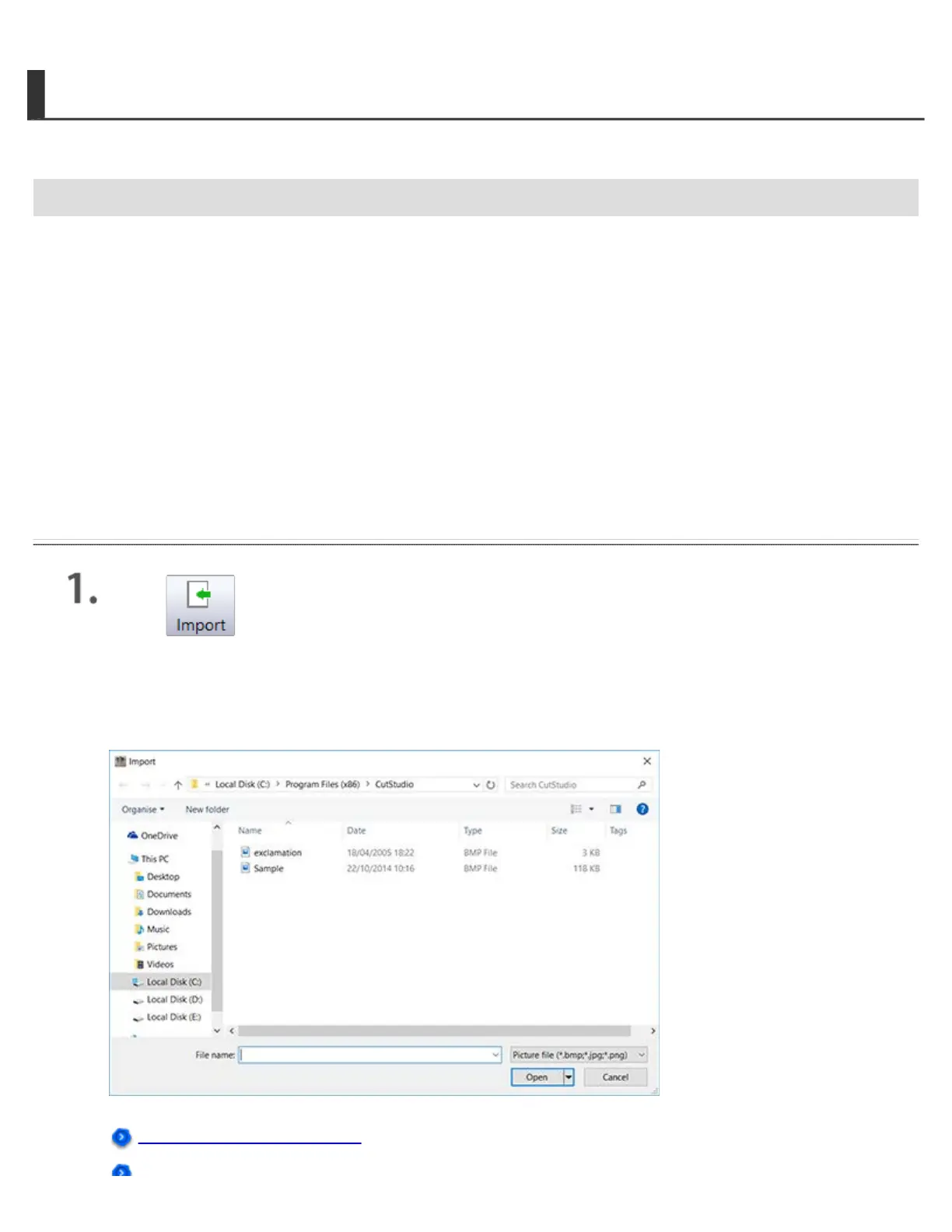
Click to import image data.
Here, open the Sample.bmp file found in the CutStudio installation folder (usually located in the
CutStudio folder under Program Files on the C drive).
The screen below is displayed.
Sample Data Cannot Be Found




 To Next Page