1: Grit rollers
Periodically wipe away any grime.
2: Display:
Wipe the display clean with a dry cloth.
3: Pinch rollers
Remove any buildup of media and other material using a brush. Never use a metal brush.
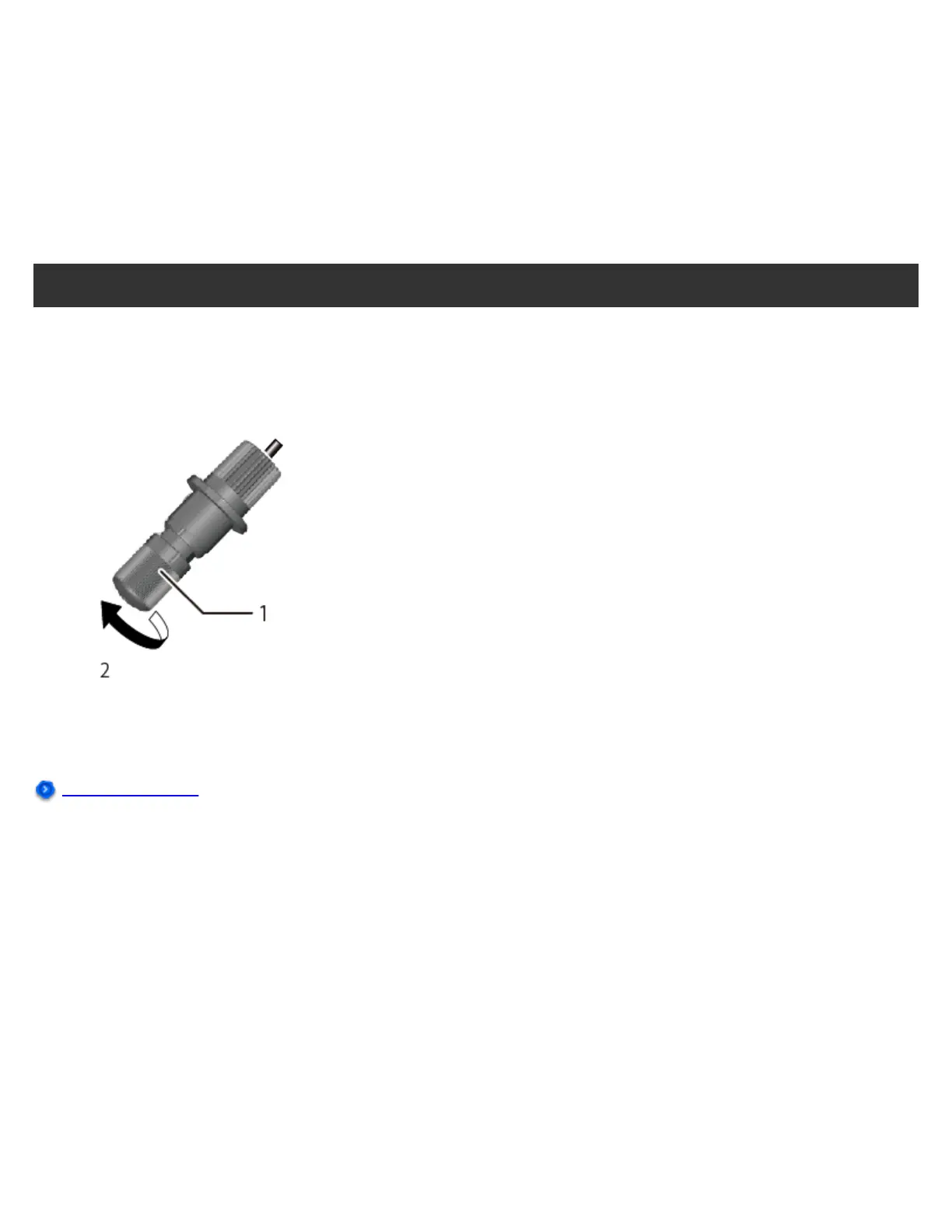
Cleaning the Blade Holder Cap
If there is a buildup of pieces of material or dust inside the cap, loosen the cap, remove it, and then remove
any foreign matter. If pieces of material or dust build up inside the blade holder cap, the blade will stop
turning smoothly and will no longer cut cleanly.
1: Cap
2: Loosen
Consumable Items




 To Next Page