52
Chapter 4 Setting Effects
Noise Type Table
For each setting, the type(s) of noise marked by “O” will be
generated.
- Hum (50 Hz): hum noise (50 Hz)
- Hum (60 Hz): hum noise (60 Hz)
- Pink: pink noise
- Disc EP: disc noise (45 RPM)
- Disc LP: disc noise (33 RPM)
- RND Disc: disc noise generated at random
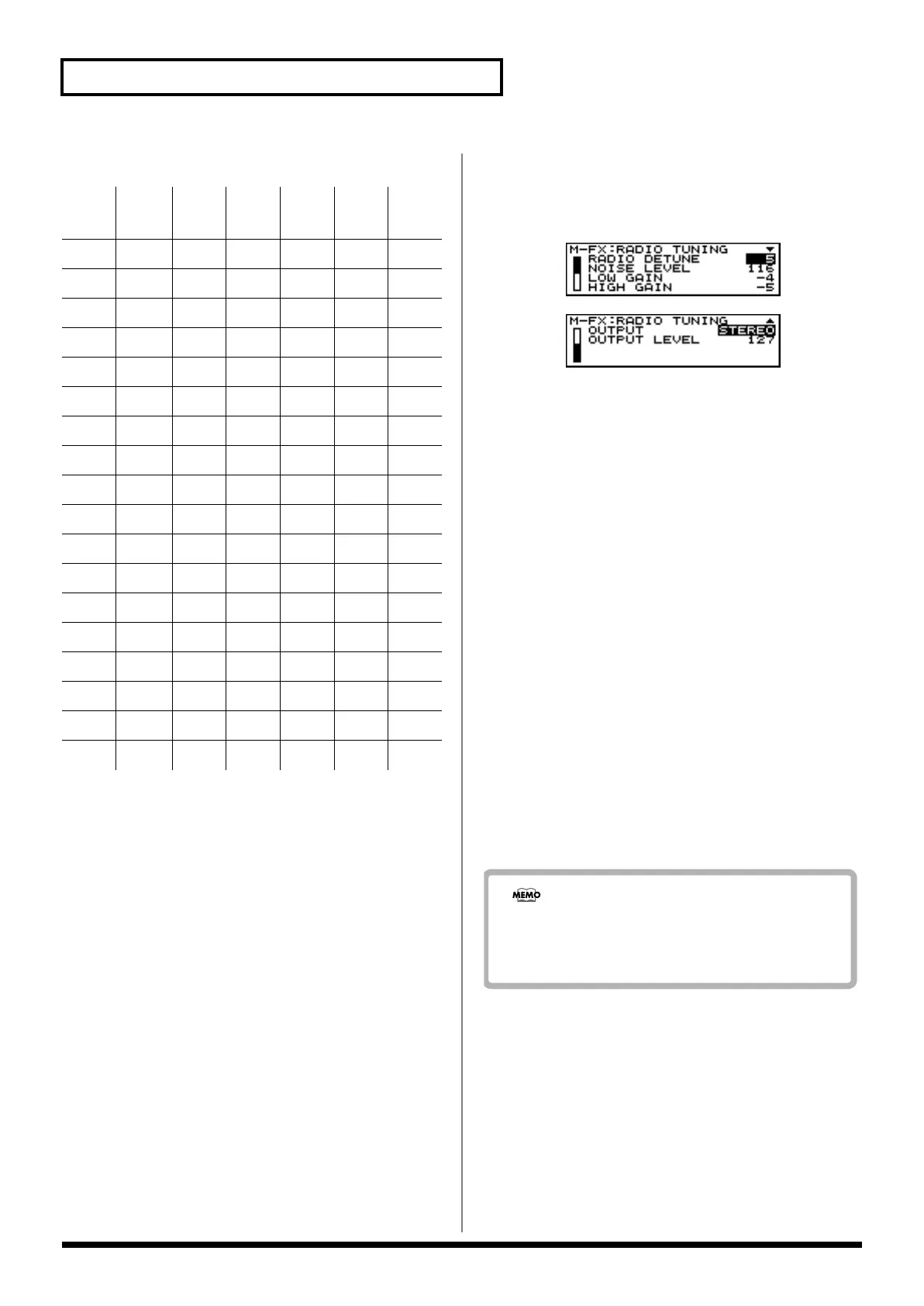
8. Radio Tuning
(Simulate a Radio Being Tuned)
This effect simulates the sound of a radio being tuned.
Available Settings:
- RADIO DETUNE [CTRL 1]
Specifies the frequency being tuned.
Range: 0–127
- NOISE LEVEL [CTRL 2]
Specifies the volume of the tuning noise.
Range: 0–127
- LOW GAIN [CTRL 3]
Adjusts the boost or cut of the low frequency range.
Range: -15– +15
- HIGH GAIN [CTRL 4]
Adjusts the boost or cut of the high frequency range.
Range: -15– +15
- OUTPUT [CTRL 5]
Specifies how the sound will be output.
Range: MONO, STEREO
With a setting of “MONO,” the output sound will be
monaural.
- OUTPUT LEVEL [CTRL 6]
Specifies the output volume of the Radio Tuning effect.
Range: 0–127
Hum
(50Hz)
Hum
(60Hz)
Pink
Disc
EP
Disc
LP
RND
Disc
1O
2O
3OO
4OOO
5OO
6OOO
7O
8O O
9O OO
10 O O O O
11 O O O
12 O O O O
13 O
14 O O
15 O O O
16 OO OO
17 OOO
18 OOO O
When you assign the “RADIO DETUNE” parameter to
the Assignable knob (P. 29) and then control it, the MC-
307 successfully simulates radio tuning.


 To Next Page
 Loading...