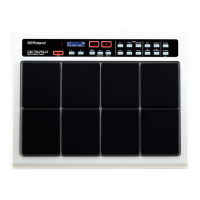
Attaching the SPD-20 to a Drum Stand
If you are attaching the unit to a cymbal stand etc. with a pipe diameter of 10.5–30 mm, use an all pur-
pose clamp set (APC-33: sold separately).
1
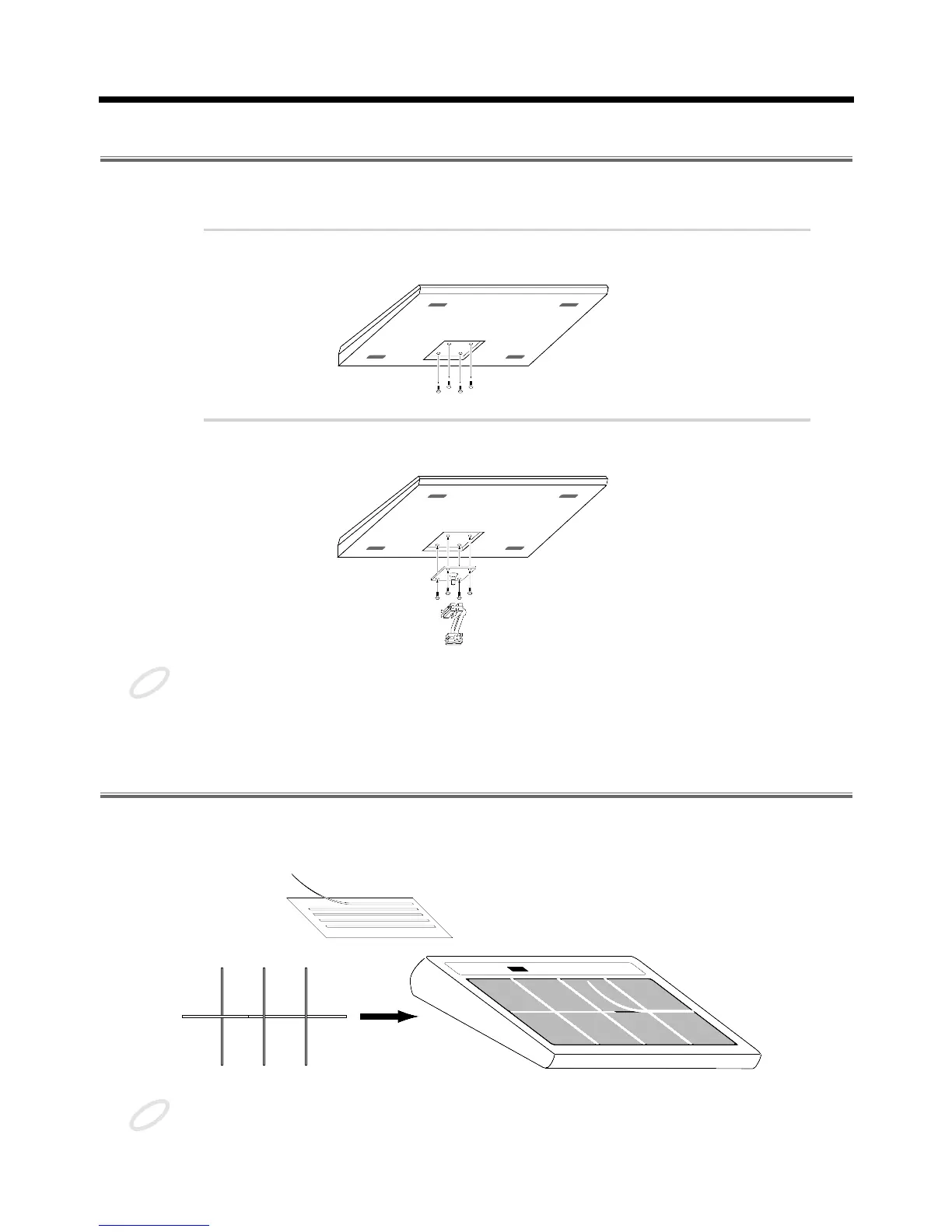
Using a 4 mm wrench, remove the four screws from the bottom of
the SPD-20.
fig.3
2
Use the four screws you removed in step 1 to attach the stand hold-
er to the bottom of the SPD-20.
fig.4
The screws included with the APC-33 cannot be used.
Using the Slit Tape (Included)
Place the Slit tape, included with the SPD-20, along the slits, or grooves around each of the pads. The
Slit tape allows you to clearly distinguish where each pad is, even on stage or in other darkened loca-
tions.
fig. Slit Tape
Please note that Roland does not handle replacements or additional purchases of Slit Tape.



 To Next Page
 Loading...