25
Connecting External Equipment
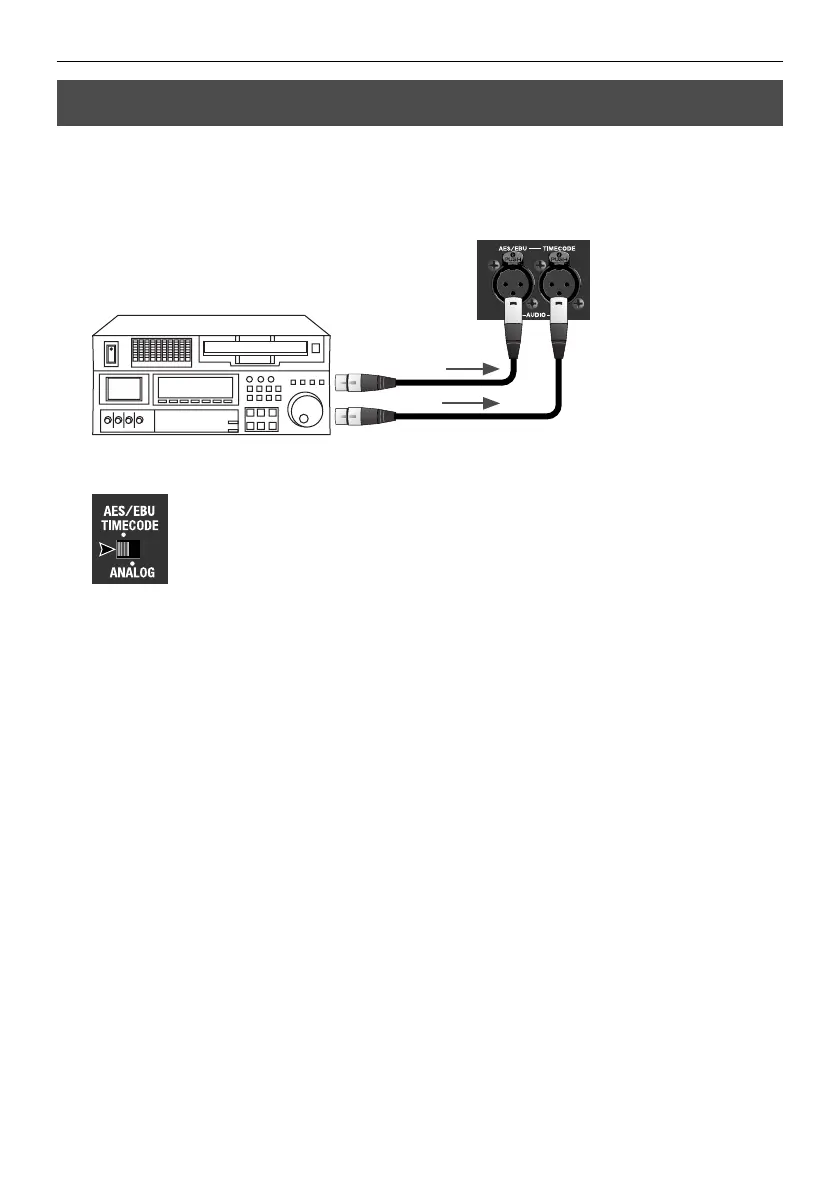
You can input a timecode from a source device simultaneously with digital audio. Use an
XLR cable to connect the source device to the [TIMECODE] connector on the rear panel.
* The standard supported by the VC-30HD is SMPTE 12M (LTC).
fig.connect-TC-source.eps
At this time, use the [AUDIO IN] selector switch to select [AES/EBU TIMECODE].
fig.select-AES-EBU.ep
Connecting a Timecode Source
Audio
LTC



 To Next Page
 Loading...









