25
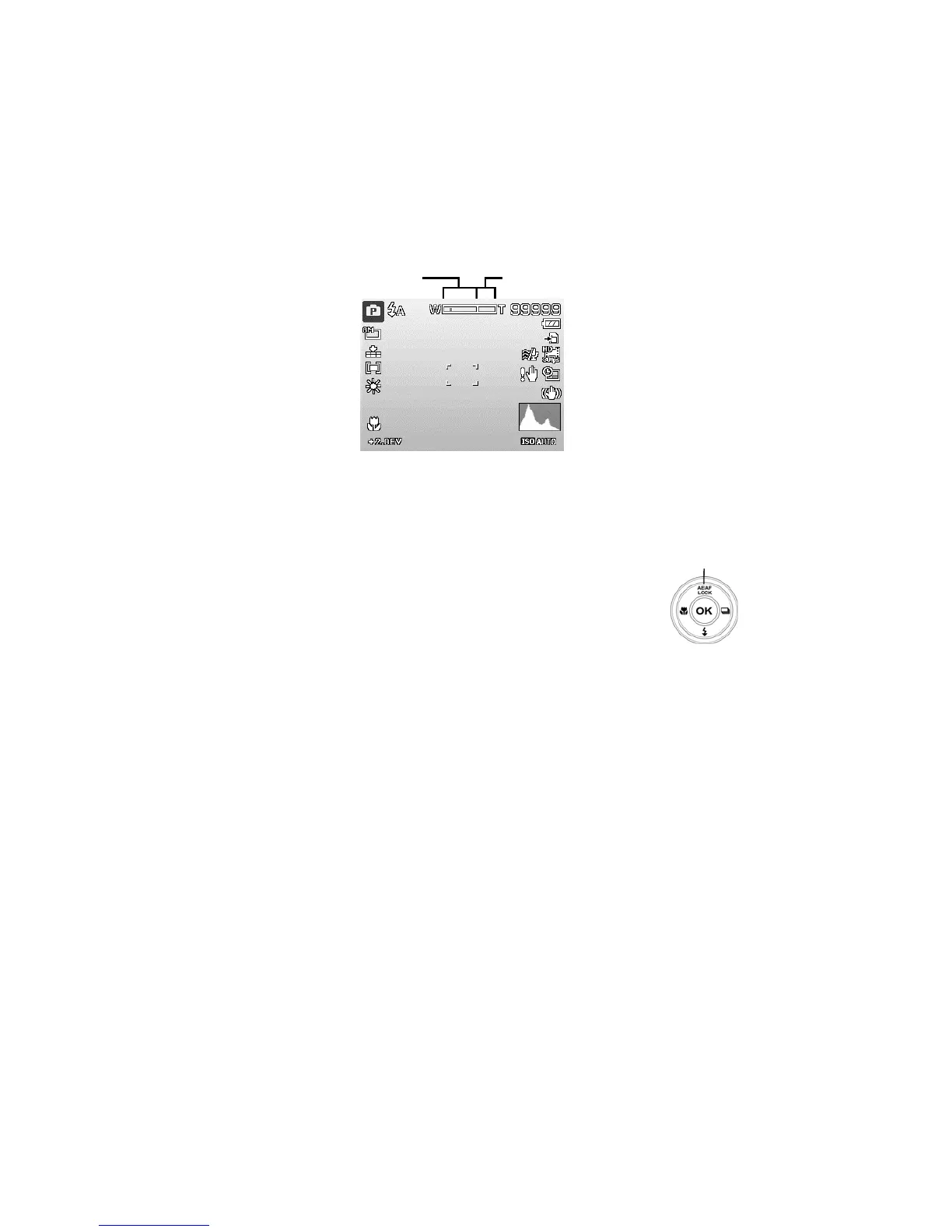
To adjusts the digital zoom:
1. Activate digital zoom. See "Setting the Digital Zoom" on page 53.
2. Press the Zoom button (left/right) optically zooms in/out to the maximum
until it stops.
3. Release the Zoom button.
5
ital zoom
Using the AE/AF LOCK/UP Button
Use the AE/AF LOCK/UP button on your camera to lock
focus and exposure.
1. To lock AE/AF, press the AE/AF LOCK/Up button in
Program Mode or half press the shutter button and
then press the AE/AF LOCK/Up button.
AE/AF LOCK/UP
Button
2. To unlock AE/AF by any one of the following ways:
• Press the AE/AF LOCK/UP button
• Press the Zoom button
• Press the MENU/Fn/Playback/Movie/Power button to launch another
function
• Switch to Super Macro/Manual Focus (For unlocking AE only)













 To Next Page