69
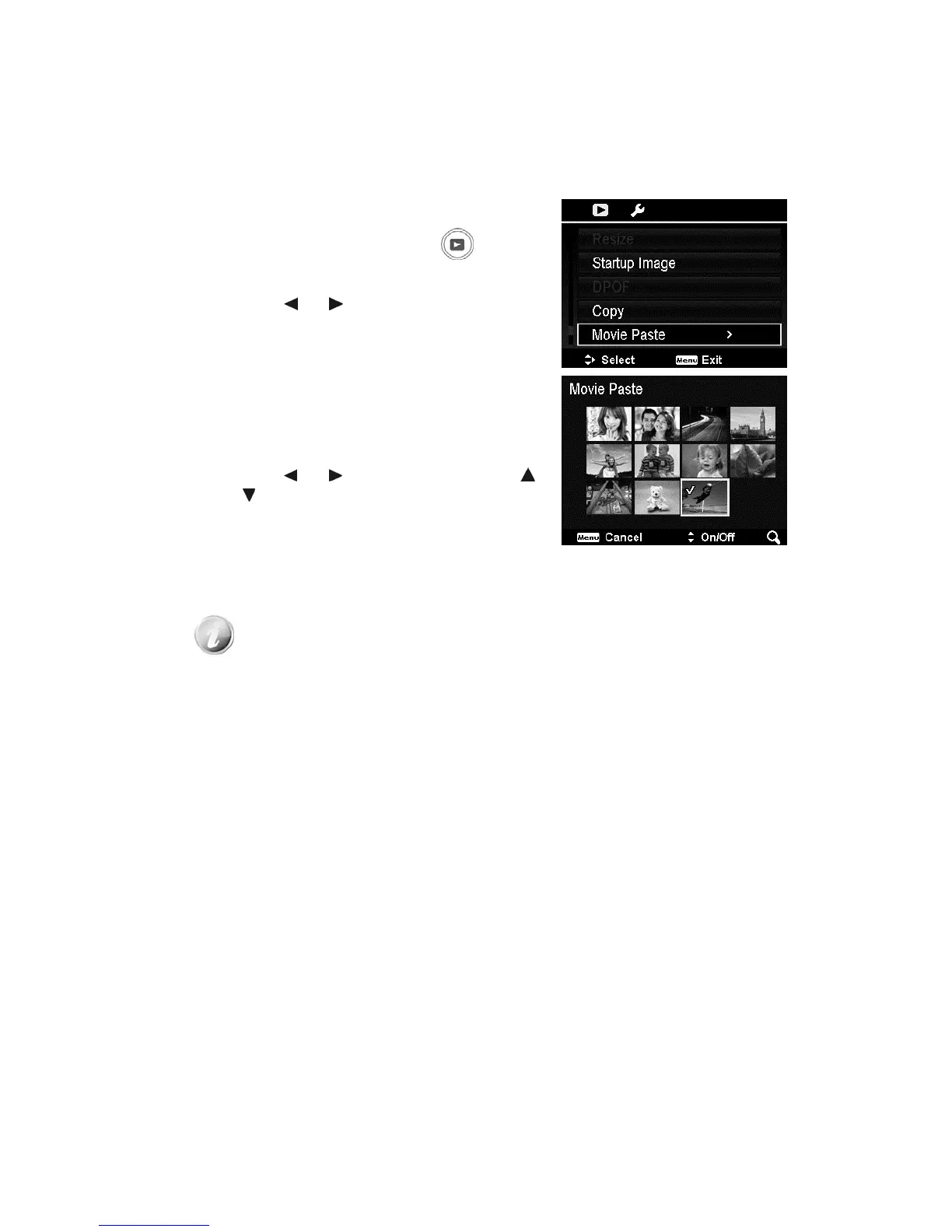
Movie Paste
Use this feature to combine two videos with the same specification (movie size
and fps) into one video.
To combine two videos:
1. Press the Playback button
on the
camera.
2. Use the
or keys to scroll and select
the original video.
3. Press the MENU button to launch the
Playback menu.
4. Select Movie Paste. The videos with the
same specification as the original video are
displayed on the LCD monitor.
5. Use the
or keys to scroll and the
or
keys to mark/unmark the second
video.
6. Press the OK button and select Yes to
merge it to the end of the original video and
overwrite it.
x The total length of the combined video cannot be over 30 minutes.
x After combining videos, the second video will no longer exist with a
separate file.













 To Next Page