53
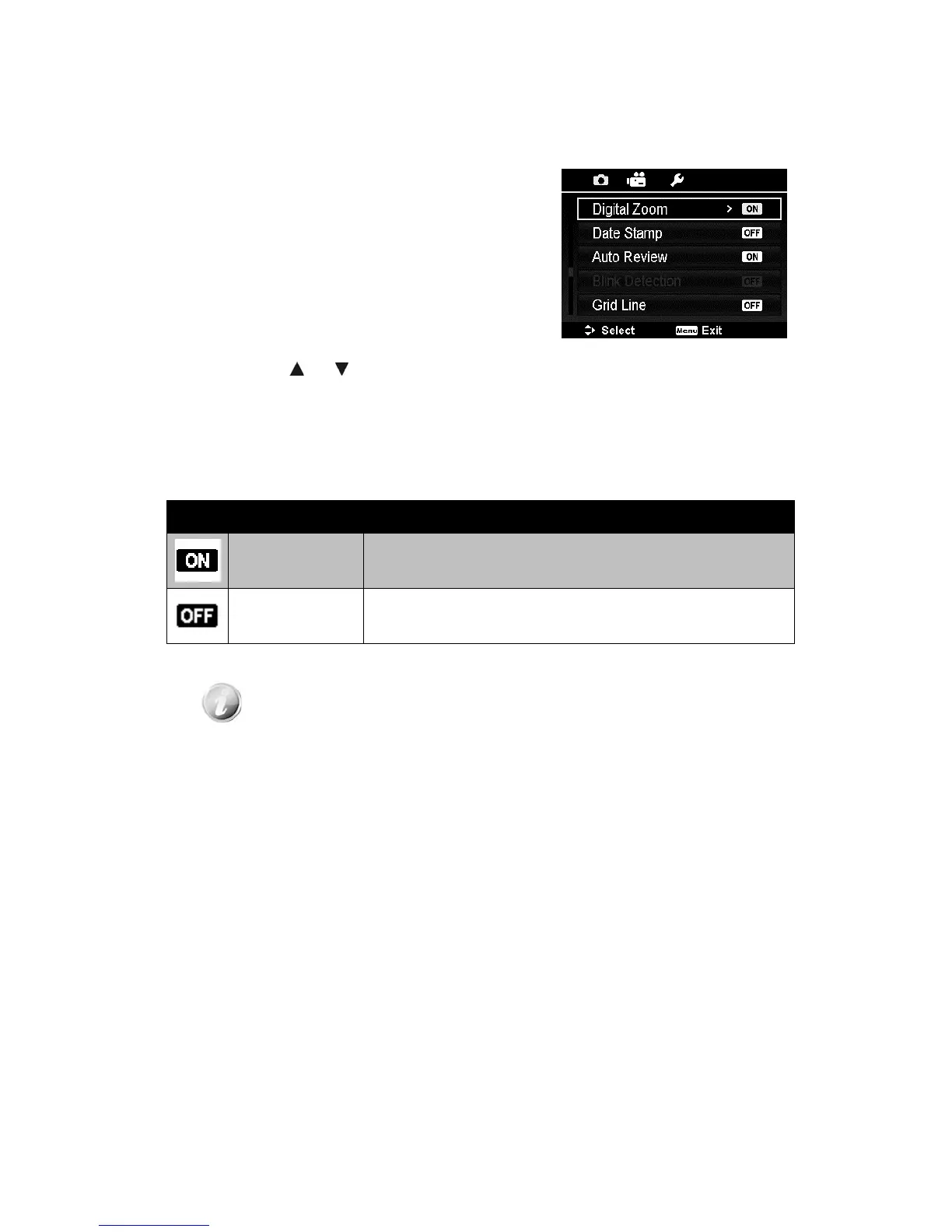
Setting the Digital Zoom
This feature controls the digital zoom mode of
your camera.
Your camera enlarges an image using the
optical zoom first. When the zoom scale
exceeds 5x, the camera uses digital zoom.
To set Digital Zoom
1. From the Record menu, select Digital
Zoom.
2. Use the
or keys to go through the
selection.
3. Press the OK button to save and apply
changes.
The table below shows the available Digital
Zoom settings.
Icon Item Description
On
Enlarges all image sizes, but the image quality
deteriorates.
Off Uses the optical zoom only.
Digital Zoom is not available in Face Tracking on.













 To Next Page