57
Scroll bar.
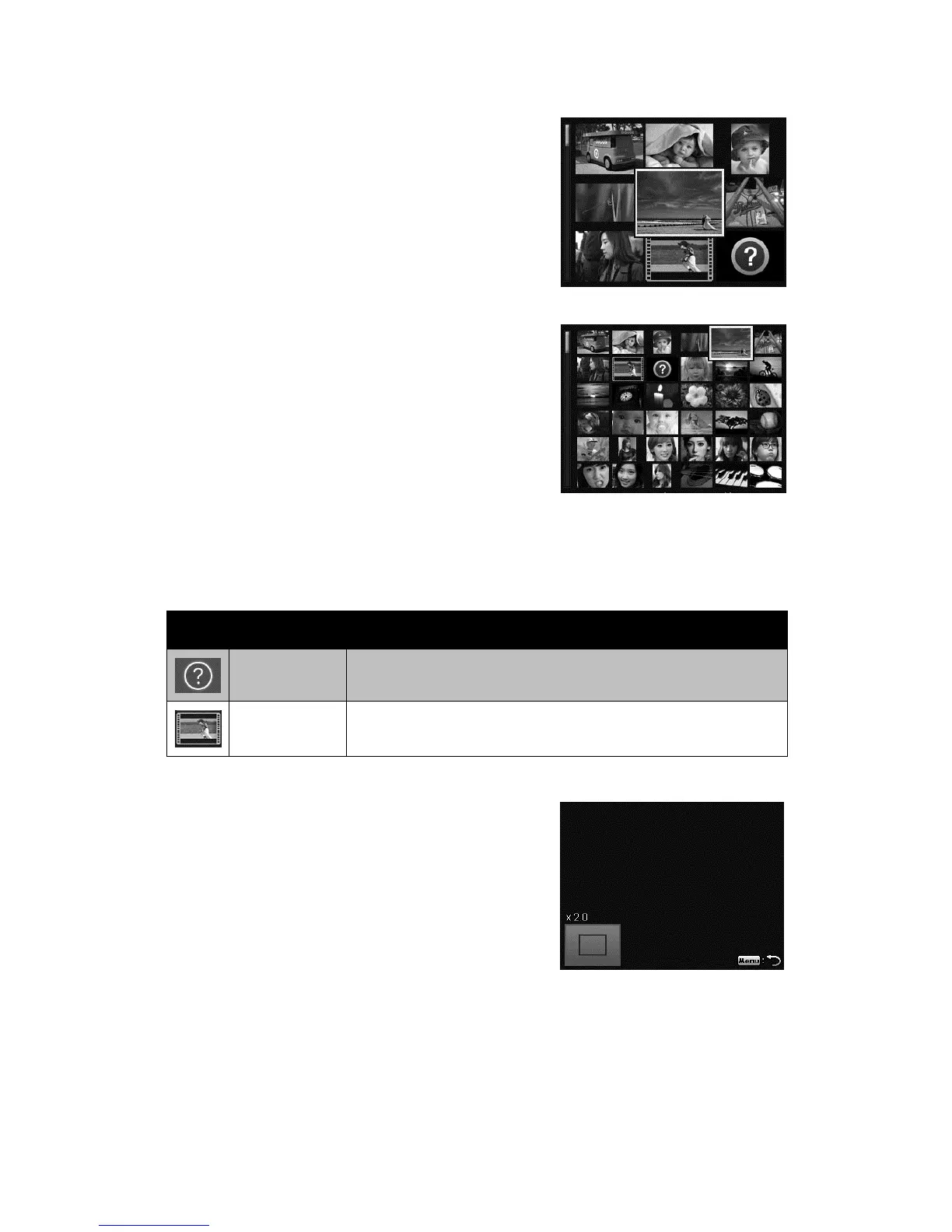
If scroll bars appear, it indicates that the screen
can be scrolled. It can be displayed 9 images
(3x3) or 36 images (6x6) at one time in
Thumbnail Screen. Use the 4-way navigation
control to select the file and press the OK
button to display the selected file in Single
Navigation.
Thumbnail 3x3
Thumbnail 6x6
Thumbnail icons:
When you view the thumbnails, some images may contain icons. These icons
indicate the type of file or recording.
Icon Type Description
File Error Indicates an error file.
Video Displays a indicate videos by roll film pattern.
Magnify
The zoom view function works with still images
only.
x In normal view, press the Zoom button
(right) repeatedly until the desired zoom
view.
x You can zoom to view an image of up to 12X.
x Use the navigation controls to view the
zoomed image.
x Press the Menu button from any magnify
ratio to return to Single Navigation.













 To Next Page