66
Resize
Resizes a previously saved image to create a small copy photo and only resizing
to a smaller size is available.
To resize an image:
1. Press the Playback button
on the
camera.
2. Use the
or keys to scroll and select
an image to resize.
3. Press the MENU button to launch the
Playback menu.
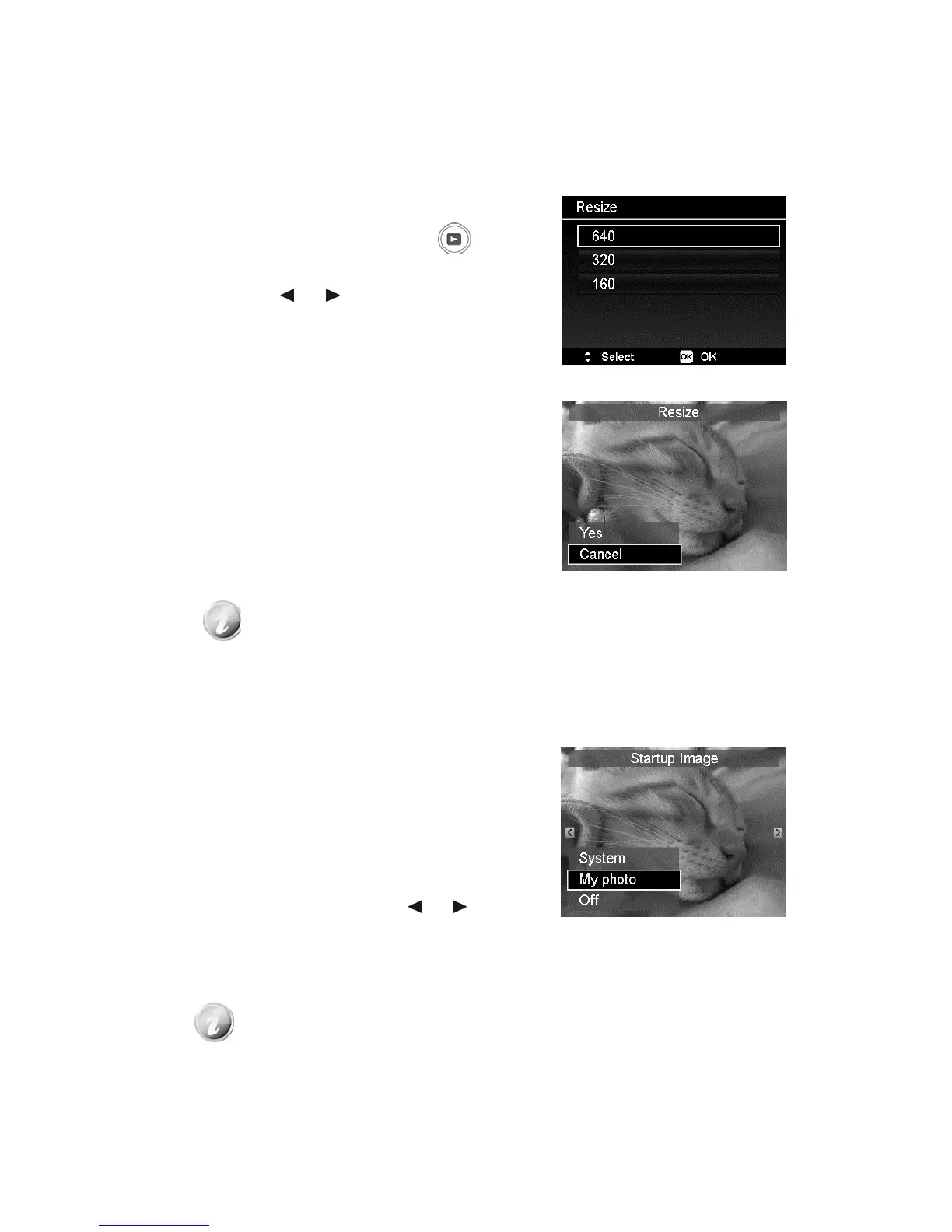
4. Select Resize. The Resize submenu is
displayed on the LCD monitor.
5. Select size among: 640, 320, and 160.
6. After selecting size, a menu selection
appears.
7. Press the OK button to save/cancel
changes.
8. The resized image is saved as a new
photo.
• Resize function is only applicable to aspect ratio 4:3 photos.
• The original photos can be resized more than once. However, each
resized photo cannot be resized again.
Startup Image
You can specify the startup image from the captured images for camera.
1. Press the MENU button to launch the
Playback menu.
2. Select Startup Image. The menu
selection appears.
3. Select options:
• System. Use camera default image.
• My Photo. Use the
or keys to
scroll and select desired image.
• Off. Disable the startup image.
4. Press the OK button to apply changes.
The startup image will still be displayed startup even if the selected
image was deleted.













 To Next Page