26
Using Flash
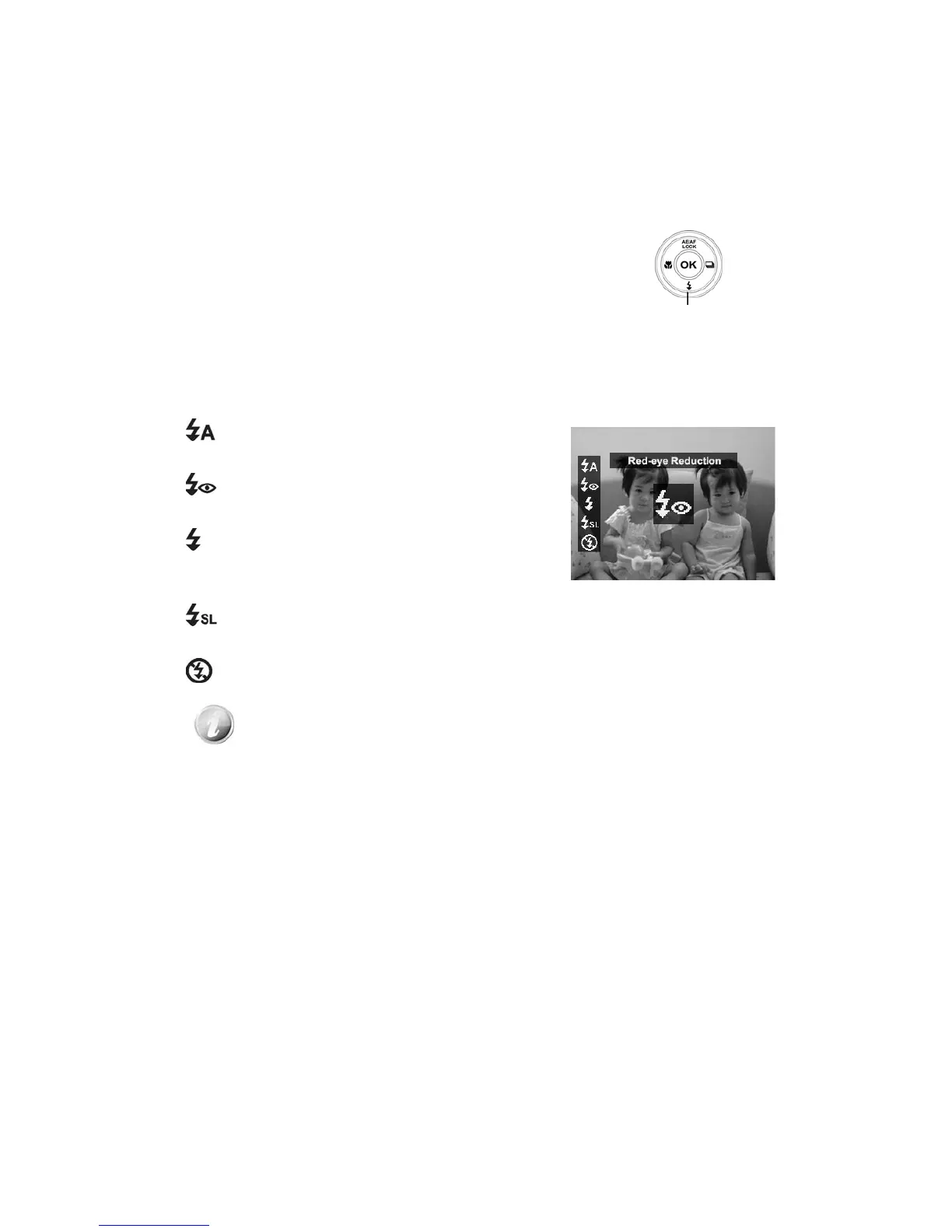
When taking pictures in difficult lighting conditions, use the Flash/Down
button to get correct exposure. This function cannot be activated in recording
videos or continuous shooting.
To activate Flash:
• Press the Flash/Down button on your camera
repeatedly until your desired flash mode is
displayed on the LCD monitor.
Flash/Down
button
Your camera is equipped with five flash modes:
Auto Flash. The flash fires automatically
whenever extra lighting is needed.
Red-eye reduction. The flash fires twice
to reduce the red-eye effect.
Forced on. The flash fires whenever you
press the Shutter button regardless of lighting
conditions.
Slow sync. The flash fires with a slow
shutter speed.
Forced off. The flash is turned off.
• Flash function is only available in shooting still images but not
available in Burst and GIF modes.
• Do not charge the flash while pressing the Zoom button. Charge the
flash after releasing the Zoom button if necessary.













 To Next Page