52
Setting the Exposure Bracketing
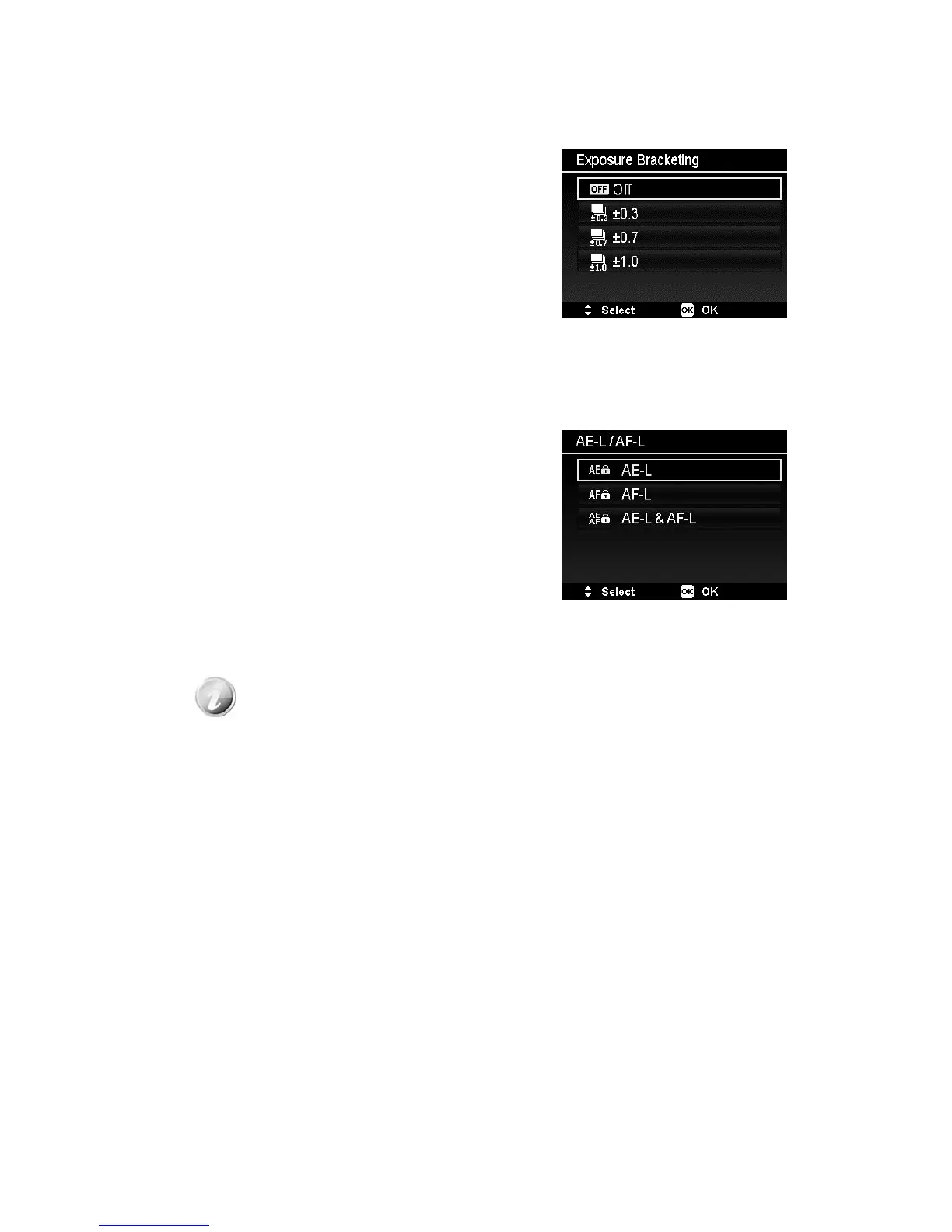
Use this feature to take photos with different
exposure compensation. Bracketing records 3
continuous images in the following order:
Standard exposure, Underexposure and
Overexposure.
Available settings are: Off, ±0.3, ±0.7 and
±1.0.
Setting the AE-L/AF-L
This feature allows locking exposure or focus
or both of them by pressing AE/AF LOCK
button. You can define the AE/AF LOCK button
to be one of the following functions:
x AE-L: Lock/Unlock exposure.
x AF-L: Lock/Unlock focus.
x AE-L & AF-L: Lock/Unlock both of exposure
and focus.
Press the AE/AF LOCK button to unlock it.
To lock AE/AF, press the AE/AF LOCK button
during movie recording or half press the
shutter button then press the AE/AF LOCK
button in Photo mode.
Show this function only when use Program mode.













 To Next Page