35
Prerecord will be canceled in the following situation:
• After recording starts.
• Switch to Playback mode.
• Launch the Menu.
• Enter USB mode.
• Power off the camera.
Prerecord function will be disabled in the following situations:
• The prerecord time is less than 2 seconds.
• There is not enough internal memory to enable this function unless
an additional memory card is inserted to the camera.
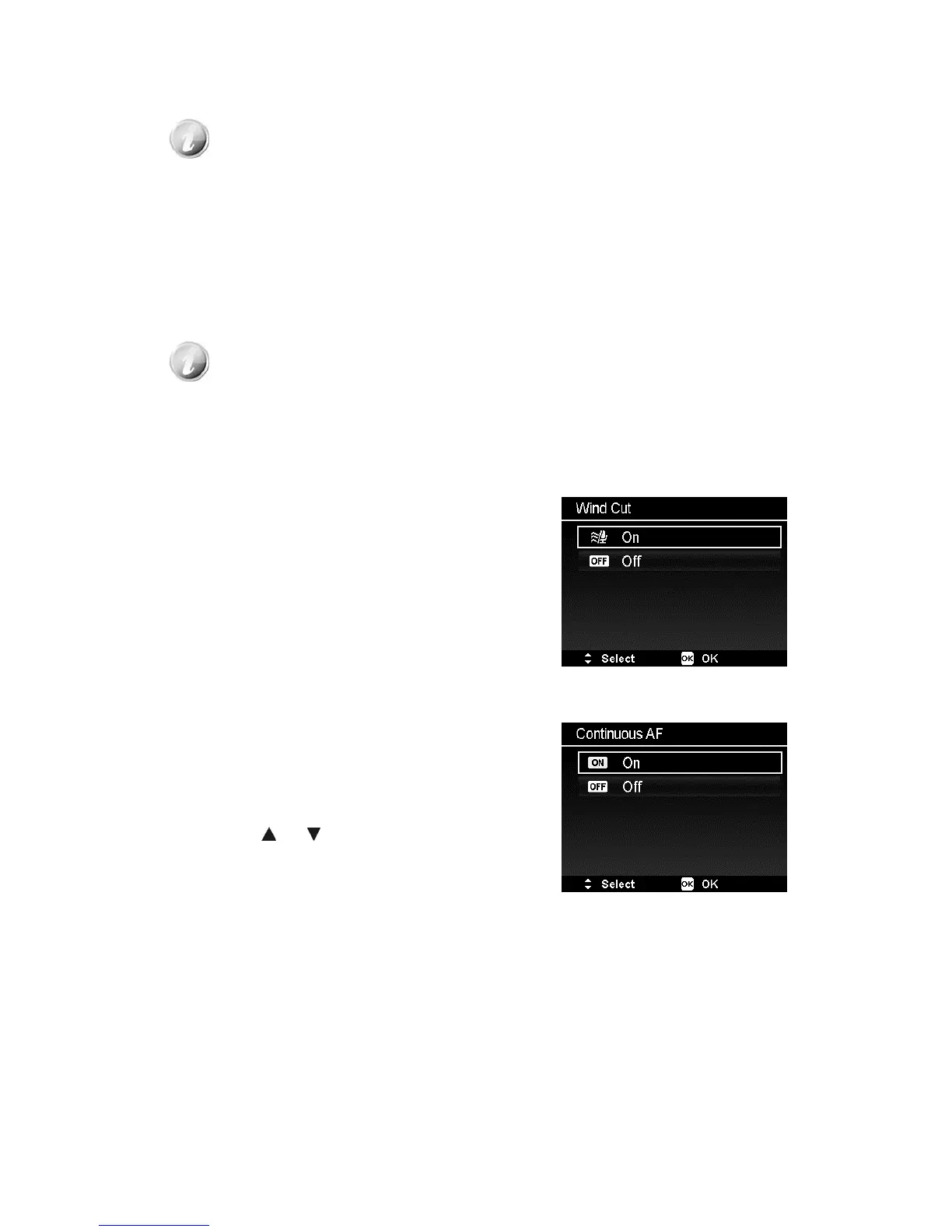
Setting Wind Cut
This feature reduces wind noise during movie
recording.
Continuous AF
This function allows you to record video with auto
focus method.
1. Enable the Continuous AF under the Movie
Menu.
2. Use the
or keys to go through the
selection.
3. Press the OK button to save and apply
changes.













 To Next Page