45
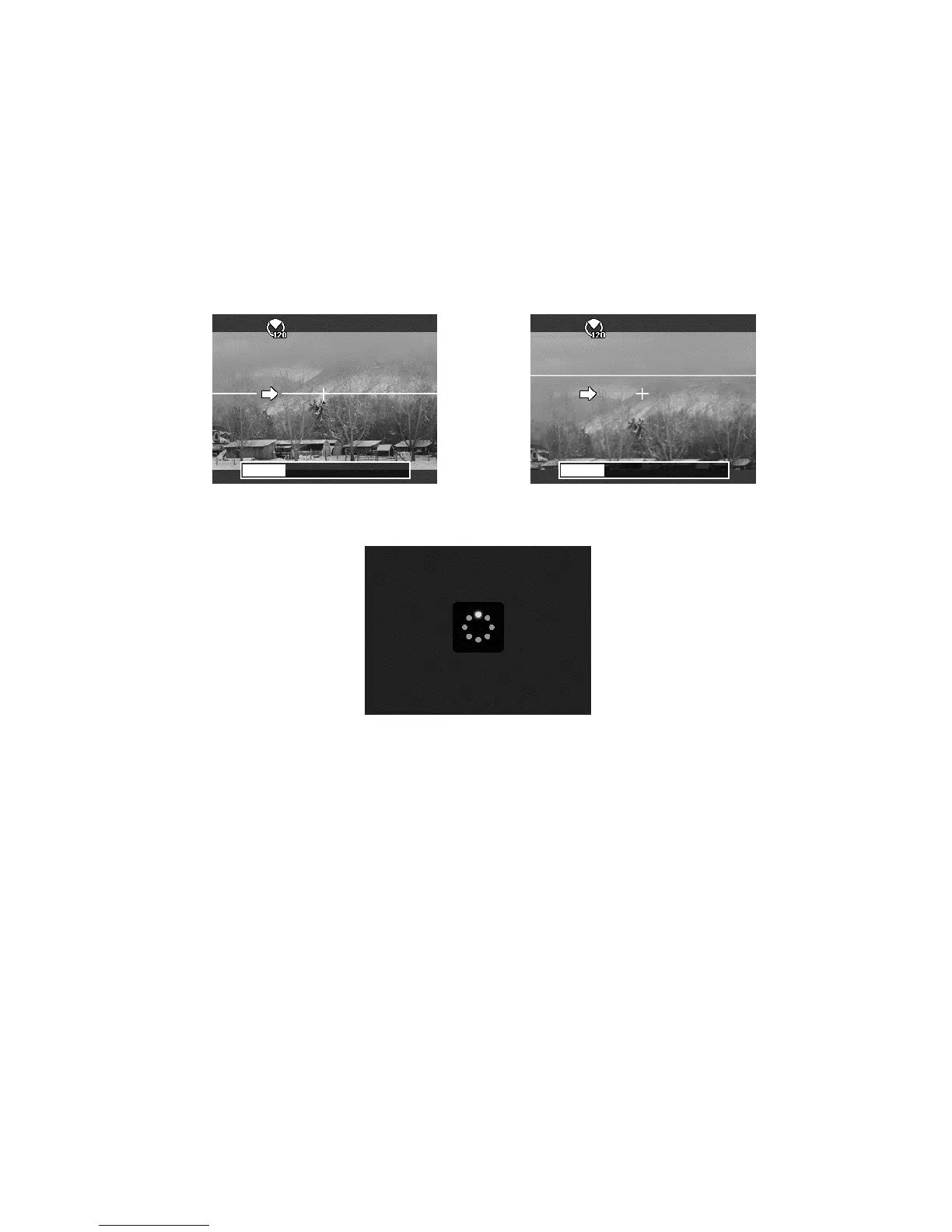
3. Full press the shutter button to start
shooting. When shooting starts, a
white-cross locates on the center and
a yellow line displays horizontally (or
vertically) through the screen. In
addition, a shooting bar displays to
present the shootin
position and the
white portion of the bar indicates
where has been taken.
4. If you move camera without
keeping straight, the yellow line
will move with the moving scene.
5. When the white portion of the bar goes to the end. The camera would finish
automatically and save the panorama image.













 To Next Page