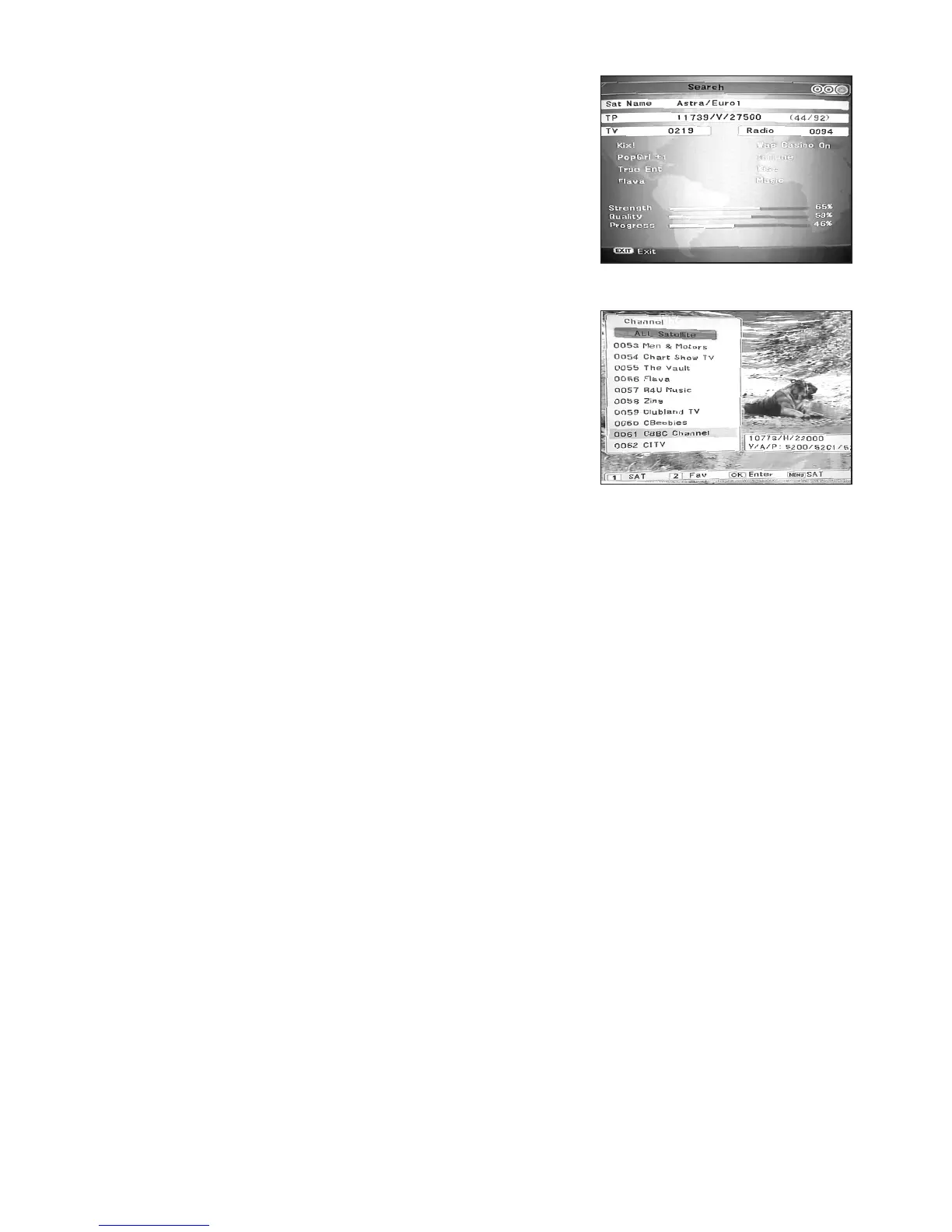
The STB will now start searching for programmes.
A “Progress” bar appears at the bottom of the screen to
show you how the channel search is progressing. This will
take some time, do not interrupt the power or press any
keysduringthisoperation.Whenthescanisnishedyou
will be prompted to save the results. Press “OK” to save.
Your STB is now ready to use. You can now enjoy all the
available channels from your chosen satellite.
Frequently Used Operations
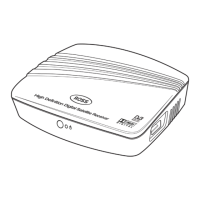
a. Changing Programme, press the “OK” button to
enter your channel list.
Use the CHs and CHt keys to move up and down
within your Programme List.
b. Changing Volume
Use the VOL and VOL to increase or decrease the
volume. Alternatively you can leave the STB Volume set
to maximum and control the sound via your TV Remote.
c. TV/RADIO
Press the “TV/RAD” key to change between TV and RADIO Programmes.
d. Programme List
Press the “OK” button when in viewing mode to display your list of Programmes. You
can use the “Page Up/Page Down” keys to move through the list a page at a time
or the s/t to scroll through. Press “OK” to view.
BBC3 / BBC4
Please note that BBC3 and BBC4 share the same channel ID as CBBC and Cbeebies and will
NOT be picked up by your satellite scan unless these channels are actually broadcasting at that
time! It is normally better to scan in the evening to be sure to pick these channels up!
t
t
8



 To Next Page