9.0 Troubleshooting
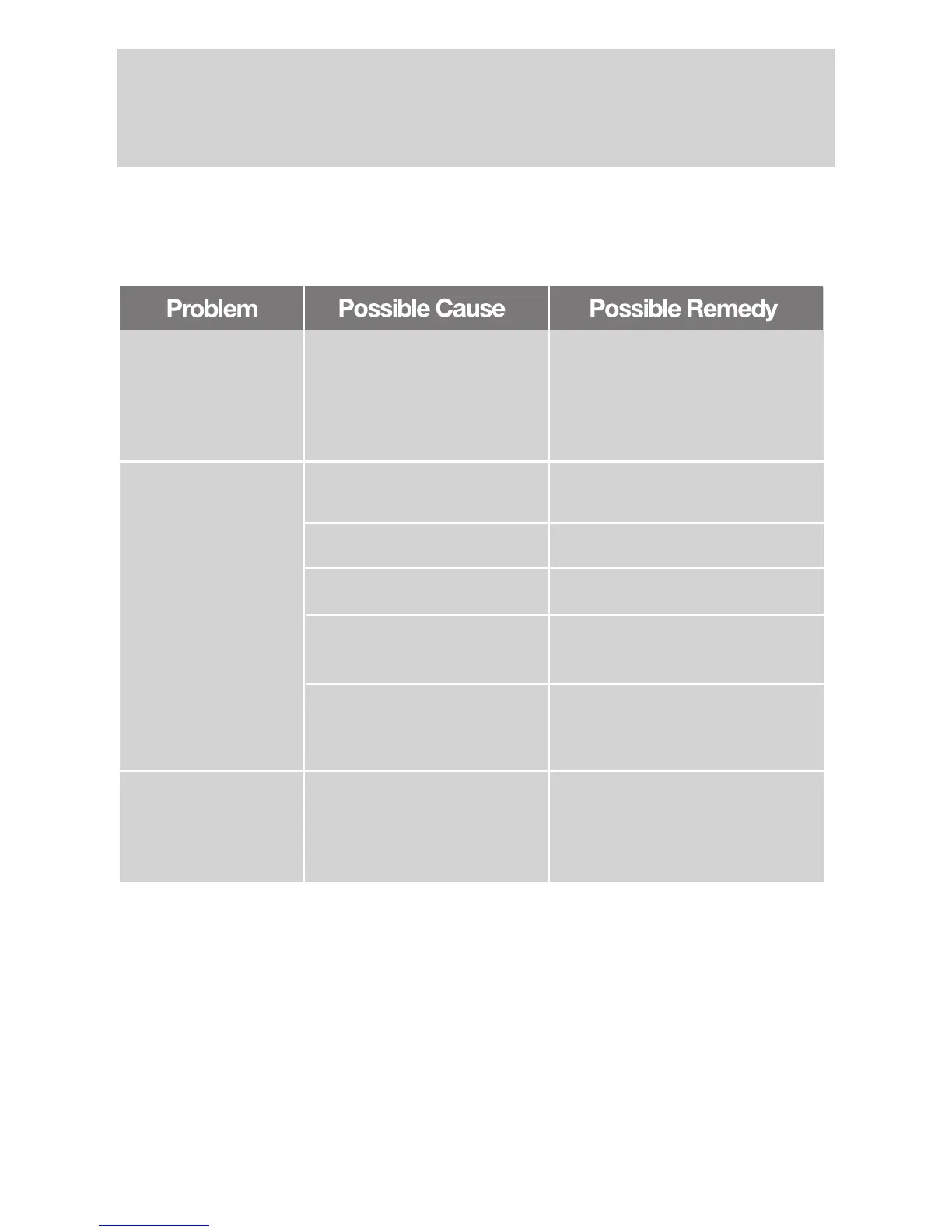
Should you encounter problems whilst using your Receiver please refer to the table
below for helpful information before contacting your Service Company or Dealer for help
as problems are often easily resolved.
18
Power on, but no
display on screen
Please carefully check the
power plug, to see if it is
firmly located in the wall
socket and switched on. Is
the power interrupted?
Connect the power plug to the
socket on the wall.
Power on the STB,
then the screen
displays ”No signal”
Is the dish installation correct? Carefully re-align the dish.
LNB input is not connected. Connect the LNB
The Satellite is not transmitting Try another Satellite
Weather conditions are
affecting reception, e.g. snow
Attempt again later
The program setup or system
settings are incorrect
Set the correct parameters for
the received programme in the
system settings menu
Audio is incorrect
The received Programme is
being transmitted in more
than one language.
User can use the “Audio” button
on the Remote to select the
correct audio track or audio
languages



 To Next Page