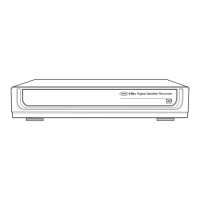
3.0 Controls and Functions
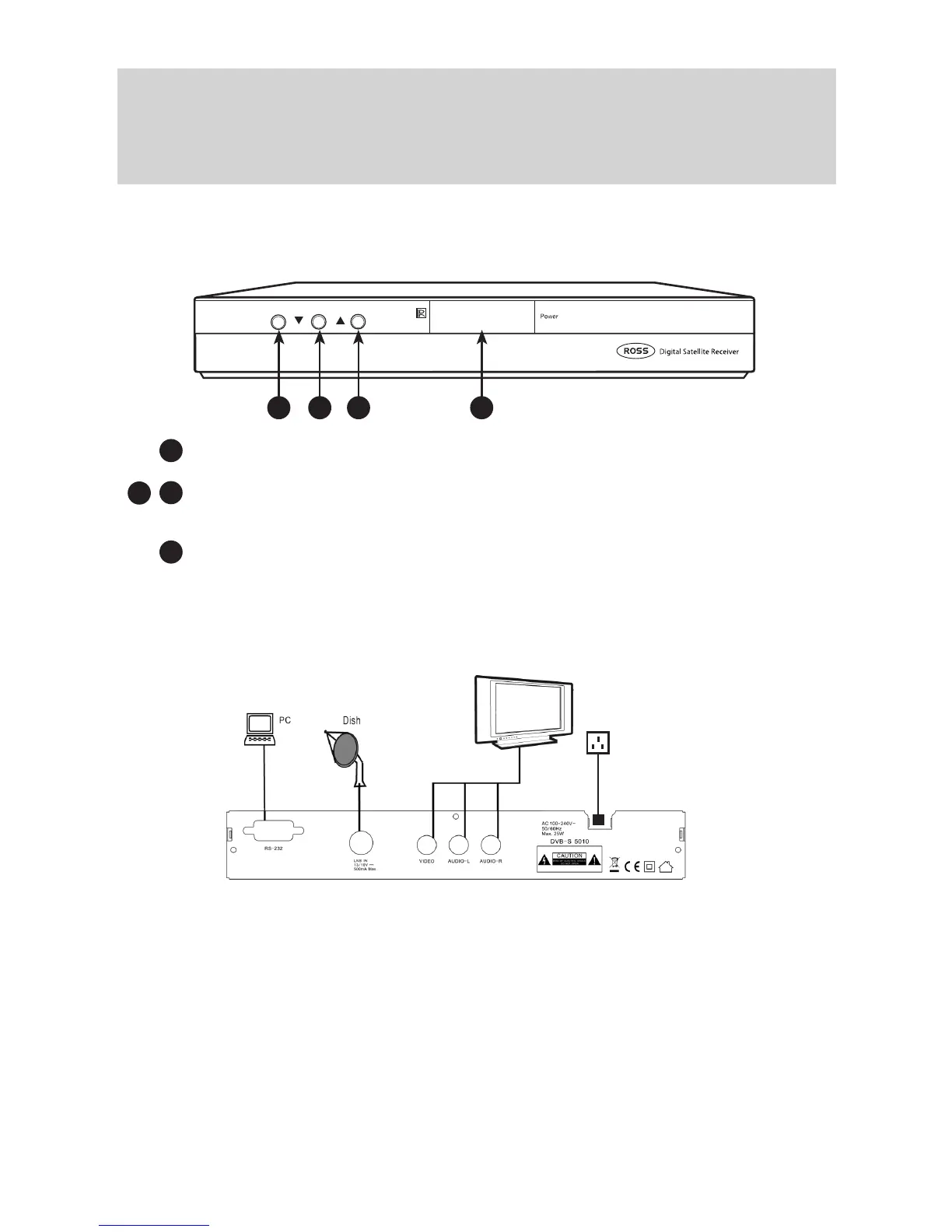
3.1 Front Panel:
Power Standby Button
CH +/CH-: Changes the channels in viewing mode and moves the selection
Up/Down in menu mode.
The 4-digit display shows the current channel number
The Red LED is the Power Indicator
Signal Strength indicator
4
3
1
2 3
3.2 Rear Panel
• Dish-In: Digital satellite signal input via F connector with Cable supplied
• RS232C: Upgrade function. Connect to PC or another set top box
• Video: Connect to the video interface of TV (Yellow) - supplied
• Audio-L: Connect to the left audio-channel of TV (White) - supplied
• Audio-R: Connect to the right audio-channel of TV (Red) - supplied
N.B. If your TV does not have A/V phono socket Input (White, Red, Yellow), connect
the leads to the Scart Adaptor supplied and use a Scart Socket for your TV
connection.
• Power Lead: To 13A Plug Socket
N.B.Power on after all other connections are plugged in.
1
2
3 4
Power Lead



 To Next Page