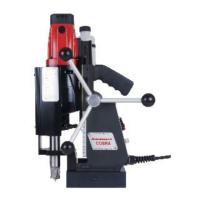
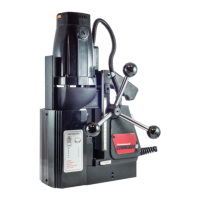
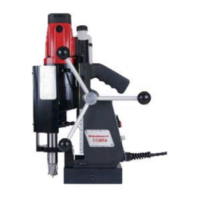
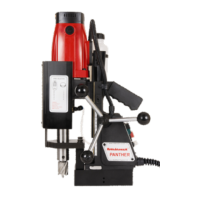
11) CAPSTAN OPERATION
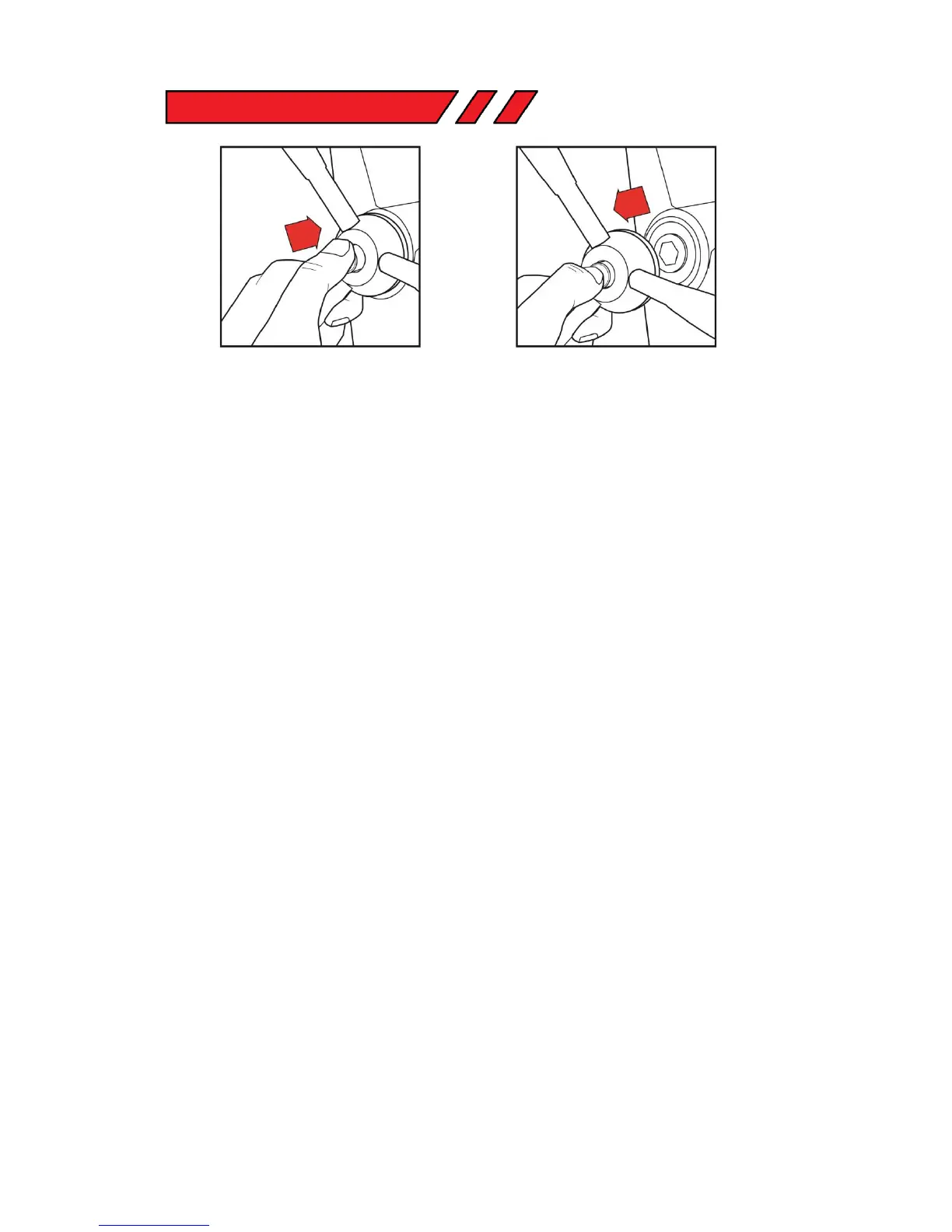
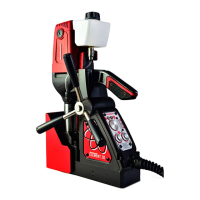
The quick release capstan is a feature offers that offers the user simple dual side operation.
To remove the capstan, simply do the following;
1: Press in the central button on the capstan hub, holding onto the capstan arms.
2: With the button pressed in, pull the capstan away from the main body, holding on to the capstan
arms.
3: Re-insert the hexagonal shaft into the hexagonal slot to attach the capstan.


 To Next Page