19
Start the car’s engine and check if the dash cams are working
correctly.
17
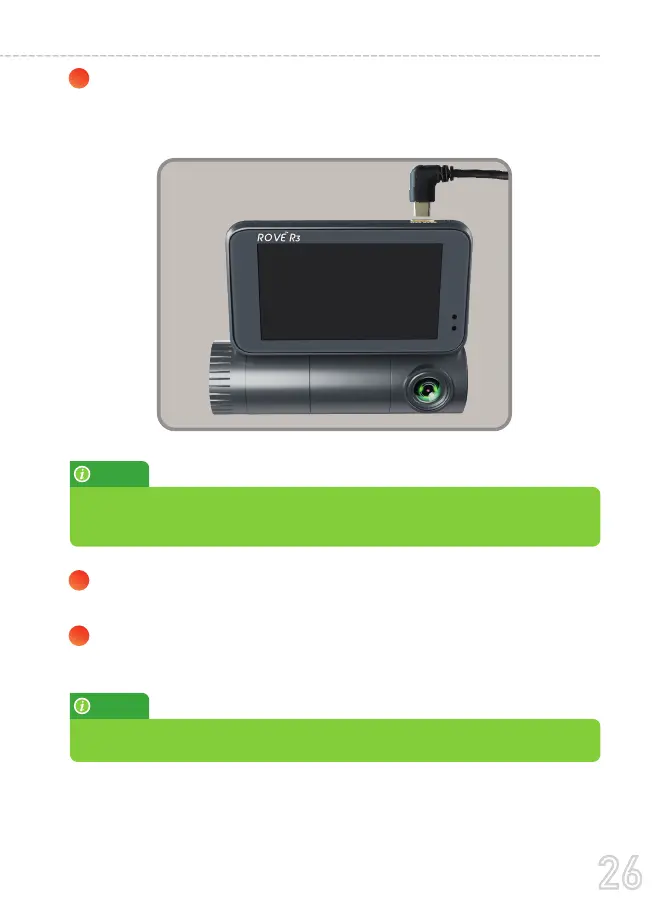
Plug the rear camera's cable into the front camera's rear
connecting port. Push it gently until you hear a clicking sound
to make sure that it is connected securely.
18
Adjust the lens angle of the front, cabin, and rear cameras
accordingly.
NOTE:
Make sure only to plug in the rear camera when the main (front) camera is
turned OFF; otherwise, it may damage the rear camera.
NOTE:
After a test drive, check and make sure if all the videos are recorded correctly.
26
USER MANUAL



 To Next Page