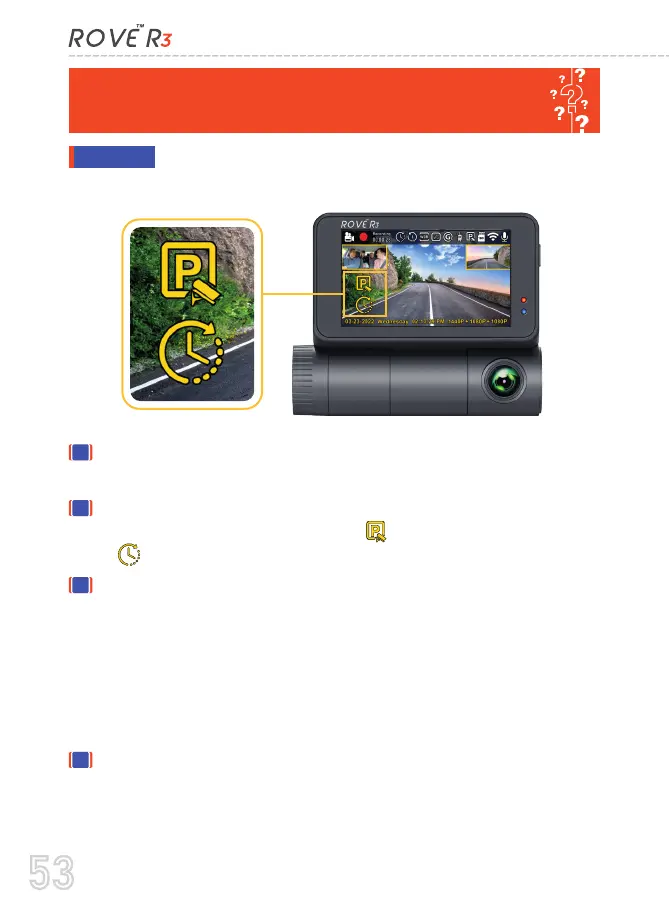
When you turn OFF your car's engine, and if the HWK
is installed properly > then the dash cam will -
ANSWER
COLLISION DETECTION" PARKING MODE WORK?
STOP the Continuous Recording from the normal video
mode.
Then it will start the Time - Lapse Video Recording (You
will see two icons on the LCD = Parking Mode Active,
= Means the Time-Lapse Video is Active)
Now while the time-lapse video is being recorded > and if
someone hits the car & if the impact reaches the set "Parking
Mode G-Sensor" level, then >> the dash cam will STOP the
Time-Lapse Video > START the 1-Min Continuous Video
Recording > then at the end of 1-min, the dash cam will
LOCK & SAVE that video under events folder, so it does
NOT get deleted by the loop cycle recording function.
Then the dash cam will go back to Time-Lapse Video
recording again until someone hits your car again (we hope
you won't get hit twice in one day - LOL) or until you start
your car's engine.
1
2
3
4
53



 To Next Page