Video Stamps allows you to turn ON/OFF various stamps at the
bottom of the video.
Date & Time GPS Coordinates Driving Speed
License Plate ROVE Logo
•
•
• •
•
VIDEO STAMPS
LICENSE PLATE
1
2
0
1
2
0
1
2
0
1
2
0
1
2
0
1
2
0
1
2
0
1
2
0
1
2
0
Cancel
Confirm
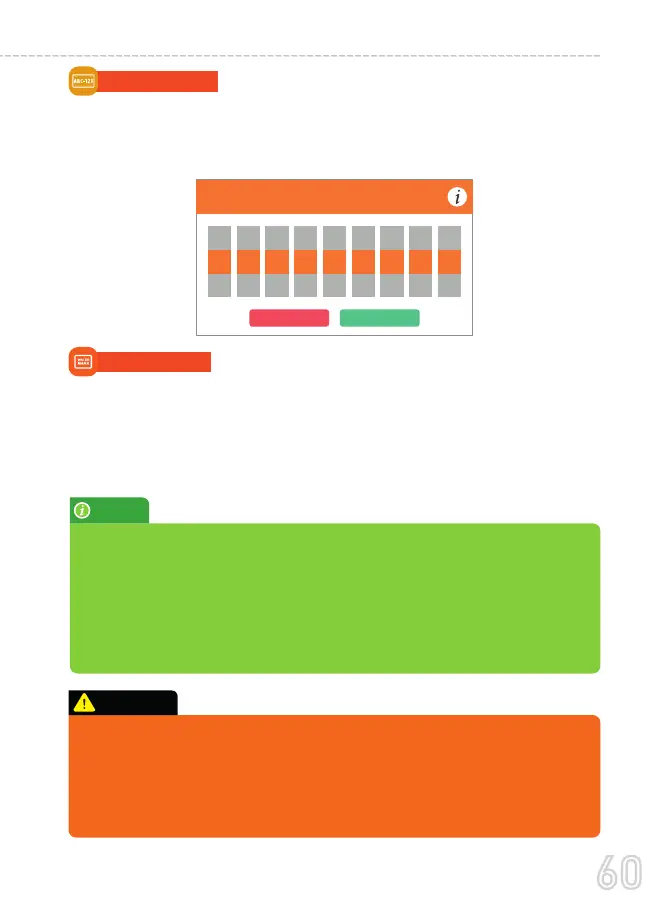
LICENSE PLATE
This feature allows you to add your choice of the custom stamp on
the video whether it is your car’s license plate or your name etc. Max
nine characters - letters and numbers only.
•
NOTE:
By turning OFF Speed stamps the camera will NOT attach the speed
embedded data with the video. So when you play your video on GPS
Player, you will NOT see any speed associated with the video.
By turning OFF GPS Coordinates the camera will NOT attach the GPS
Coordinates or the Driving Route Location with the video. So when you
play your video on the GPS Player, you will NOT see any GPS tracker
on Google/Baidu maps.
In the event of accident please make sure you retrieve your footage before
using your camera again to prevent the loss of important video file due to
the loop cycle function, in case the force was minor which did NOT trigger
G-Sensor to lock video file automatically. It is a best practice and recom-
mended to you to retrieve all necessary video footage after any event of
accident before using your camera to prevent loss of vital video file.
CAUTION:
60
USER MANUAL



 To Next Page